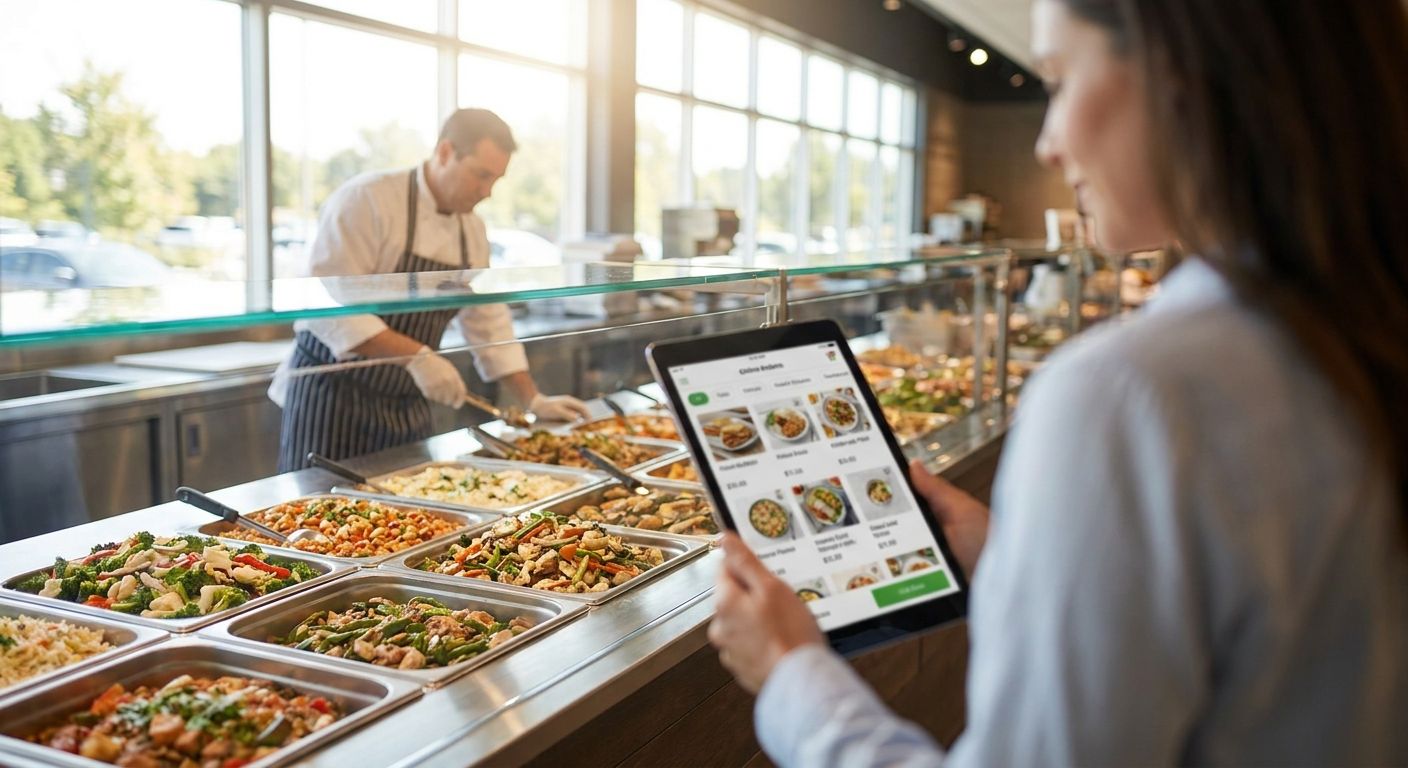
Grocery hot bars and prepared food counters lose sales every day a customer has to wait in a slow line or guess what's actually available at the counter. The right online ordering software for a grocery hot bar turns that counter into a channel that takes orders from a kiosk, a mobile app, and the web at the same time, without the kitchen drowning in tickets.
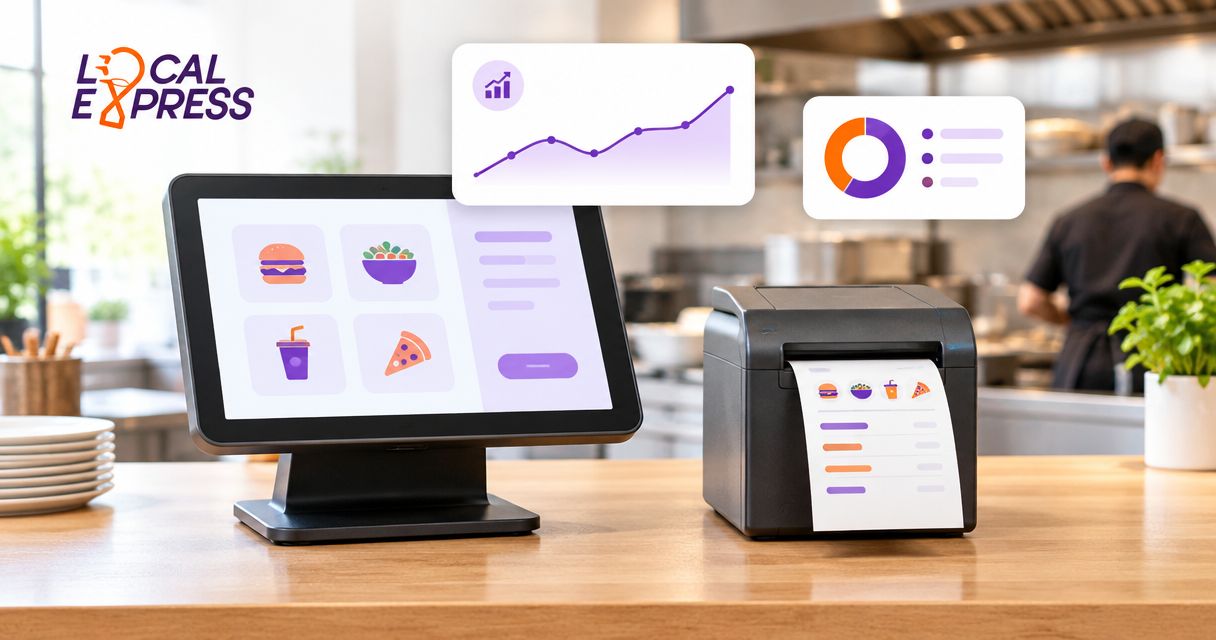
- Kiosk ordering at the hot bar cuts line friction and lets one attendant run the counter during rush hours in 2026.
- Order management software built for MTO kitchens routes web, app, and kiosk tickets to one queue — Buy if you run more than one order channel.
- Centralized order management across channels is the fix for double-punched tickets and missed pickup times.
- Standalone kiosk hardware without kitchen-side order routing is a Skip for busy prepared food counters.
- Meal-prep and prepared-meal ecommerce tools extend the hot bar to online pre-order without a second system.
Why this matters
A hot bar or prepared food counter runs on timing, not just menu quality. If the person behind the register is also taking phone orders, writing tickets by hand, and manning the register, the counter caps out fast no matter how good the food is.
Software that centralizes order intake fixes the bottleneck, not the recipe. Order management software built for MTO kitchens exists specifically because a deli or hot bar kitchen needs one queue, not three separate order pads for kiosk, app, and phone.
Grocers evaluating this category in 2026 are usually replacing a patchwork of a POS add-on, a third-party delivery app, and a paper ticket system. The software that wins in this list is the software that collapses that patchwork into one queue the kitchen can actually run against.
How this list was ranked
Each entry below is judged on four things that matter specifically for a hot bar or prepared food counter: whether it handles made-to-order (MTO) items, whether it syncs across kiosk, app, and web, how it holds up during a lunch rush, and whether it needs a second system bolted on to work. Software that requires a separate order pad for phone-in or online orders gets marked down regardless of how polished its kiosk screen looks.
Hardware-only kiosks that don't route tickets into a kitchen display or printer are excluded from the top tier — a touchscreen that just prints a receipt isn't order management, it's a fancy register.
The ranked list
1. Kiosk ordering built for the hot bar counter — the frontline fix
Prepared food ordering kiosks for grocery store delis put the menu, modifiers, and pricing directly in the customer's hands at the counter instead of relying on a staff member to key in every item. The kiosk screen shows live item availability so a customer never orders the fried chicken that ran out at 12:15pm.
This matters for hot bars specifically because menu items change by the hour — what's on the bar at 11am is not what's on it at 4pm. Verdict: Buy if your hot bar sees consistent lunch or dinner rush volume and staff currently double as order-takers and cashiers.
2. Order management software for MTO kitchens — the kitchen brain
Order management software for grocery stores with MTO kitchens is the piece that actually routes a kiosk order, an app order, and a web pre-order into one ticket queue the kitchen can work off of in sequence. Without it, a hot bar with three order channels ends up running three separate systems that don't talk to each other.
The test for this category in 2026 is simple: does an order placed on the app show up in the same queue as a kiosk order, in the order it came in? If the answer is no, the kitchen will double-cook, under-cook, or miss pickups. Verdict: Buy — this is the layer that makes every other piece of the stack work together instead of in isolation.
3. Centralized order management across web, app, and kiosk — the unifier
Centralized order management across web, app, and kiosk channels solves a specific failure mode: a customer orders online for pickup at 5pm, walks in, and the counter staff has no idea the order exists because it's sitting in a browser tab nobody's watching. Centralized management pushes every order — regardless of channel — into the same operational view.
For a prepared food counter running online pre-orders alongside walk-in kiosk traffic, this is the difference between a smooth pickup and a customer standing at the counter while an employee scrambles to find the order. Verdict: Buy for any grocer running more than one ordering channel into the same kitchen.
4. Self-ordering kiosk hardware and software — the hardware pick
Best self-ordering kiosk for grocery and specialty food stores covers the physical unit itself — screen size, mounting, payment terminal integration, and durability for a high-touch counter environment. A hot bar kiosk gets touched hundreds of times a shift, so the hardware spec matters as much as the software behind it.
Grocers sometimes buy kiosk hardware first and figure out the software later. That's backward — the hardware is replaceable in a few years, the order routing logic underneath it is the part you're stuck with. Verdict: Consider as a second step once the order management layer above is already decided.
5. Prepared meal ecommerce for online pre-order — the online extension
A prepared meal or meal-prep ecommerce platform extends the hot bar past the physical counter, letting customers pre-order a hot bar tray or family meal bundle for pickup or delivery ahead of time. This matters most for grocers whose hot bar sees repeat weekday customers who'd rather skip the line entirely.
Run this without a connection back to the kitchen queue and you get the same double-system problem as any other disconnected channel. Verdict: Consider once channel 2 and channel 3 above are already unified.
6. Kiosk maintenance and uptime support — the insurance policy
A kiosk that goes down during a Friday lunch rush isn't a minor inconvenience — it's a full counter shutdown until someone reboots it or calls support. Maintenance and uptime plans covering the kiosk fleet matter more for hot bar counters than almost any other kiosk use case, because there's no manual fallback fast enough to keep a line moving.
Verdict: Buy as an add-on to whichever kiosk hardware you land on — skipping it to save a line item is the most common mistake grocers make with self-service ordering.
Comparison table
| Solution | Best for | Handles MTO routing | Cross-channel sync | Verdict |
|---|---|---|---|---|
| Hot bar kiosk ordering | High-volume counters | Yes, with kitchen display | Requires order management layer | Buy |
| Order management for MTO kitchens | Any hot bar or deli kitchen | Core function | Core function | Buy |
| Centralized order management | Multi-channel operators | Yes | Core function | Buy |
| Self-ordering kiosk hardware | Physical counter upgrade | Depends on software paired | No, hardware only | Consider |
| Meal-prep ecommerce pre-order | Repeat weekday customers | Yes, if connected | Depends on integration | Consider |
| Kiosk maintenance plans | Any kiosk deployment | N/A | N/A | Buy |
How to source it without overpaying
- Don't buy hardware and software from separate vendors and hope they integrate later. Ask upfront whether kiosk hardware ships pre-connected to order management or whether it's a DIY integration project.
- Confirm real-time sync before signing anything. A demo that shows a kiosk order landing in the kitchen queue in seconds is worth more than a feature list.
- Price the maintenance plan alongside the hardware, not after. A kiosk with no uptime coverage is a liability the first time it locks up mid-rush.
Run your hot bar on one order queue
See how kiosk, app, and web orders sync into a single kitchen view.
FAQ
What is the best online ordering software for a grocery hot bar in 2026?
Order management software built for MTO kitchens is the core requirement — it routes kiosk, app, and web orders into one kitchen queue. Kiosk ordering and cross-channel sync are the two features that matter most for hot bar counters specifically.
Do I need a kiosk if I already take orders online for my prepared food counter?
Yes, if your counter still has walk-in traffic, because a kiosk removes the line bottleneck a cashier alone can't solve at rush hour. Online ordering and kiosk ordering solve two different traffic patterns for the same counter.
How much does kiosk ordering software cost for a grocery deli?
Cost varies by hardware count, payment integration, and whether maintenance is bundled in, so get a quote specific to your counter's order volume. Ask whether the quote includes order management software or just the kiosk screen.
Can one system handle both the hot bar kiosk and online pre-orders?
Yes — centralized order management across web, app, and kiosk channels is designed for exactly this, pushing every order into one operational view regardless of where it originated. Running separate systems for each channel is the most common cause of missed pickups.
Is self-service kiosk ordering worth it for a small independent grocery hot bar?
It's worth it once your counter has a consistent rush period where staff can't keep up with both taking orders and preparing food. Below that volume threshold, the payback period stretches out and a simpler order queue may cover the gap.
What happens if a hot bar kiosk goes down during a rush?
Without a maintenance and uptime plan, the counter reverts to manual order-taking until the kiosk is fixed or replaced, which stalls the line. Uptime support plans exist specifically to shorten that downtime window.
Does kiosk ordering improve order accuracy at a prepared food counter?
Self-service kiosk orders are commonly cited at 99%+ accuracy since the customer selects modifiers directly instead of relaying them verbally to staff. That accuracy gain compounds during rush periods when verbal order-taking is most error-prone.
One last thing
The grocers who get the most out of hot bar ordering software in 2026 aren't the ones with the fanciest kiosk screen — they're the ones who unified the queue first and bought hardware second. Buy the order management layer before the touchscreen, not after.