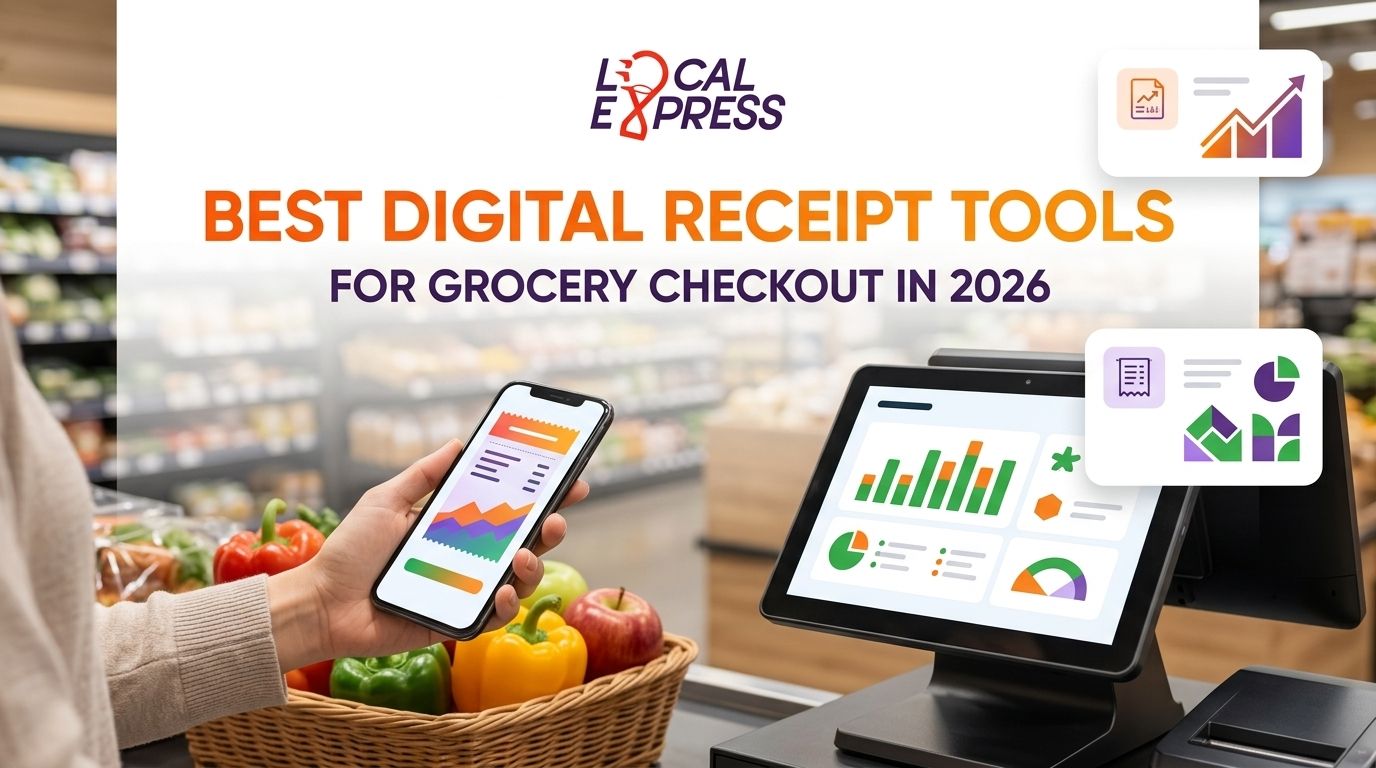
Best overall: Local Express, built into a unified self-checkout kiosk and order management stack for regional and independent grocers. Best for high-volume, multi-lane checkout: NCR Voyix, which layers digital receipts onto enterprise POS hardware already installed on the sales floor. Best budget option: Womply, a lightweight add-on for single-location grocers who want paperless receipts without a platform overhaul.
- Local Express wins for grocers who want digital receipt software for grocery checkout tied to loyalty and kiosk data, not a bolt-on.
- NCR Voyix fits large-format supermarkets running enterprise POS across dozens of lanes.
- Slip and Womply work as standalone e-receipt tools for single stores not ready to replace their POS.
- Toshiba Commerce Solutions suits grocers keeping legacy hardware but adding e-receipt capture in 2026.
- A receipt only pays off if it feeds a customer record — paper elimination alone isn't the goal.
Why this matters
A paper receipt is a dead end. It proves a transaction happened, then gets thrown away, taking the customer's email, phone number, and basket data with it. Digital receipt software for grocery checkout turns that same transaction into a record you can act on — a loyalty signup, a win-back text, a retail media impression.
Independent and regional grocers feel this more than national chains do. A single 40-lane supermarket generates thousands of paper receipts a week with zero data capture, and most of the POS systems for independent grocery stores still running in 2026 were never built to route receipt data anywhere useful. Fixing that is a checkout decision, not a marketing decision.
What makes the best digital receipt software for grocery checkout
- POS and kiosk integration depth — works with the lanes and self-checkout hardware you already run, not a rip-and-replace
- Loyalty and CRM capture — ties a receipt to a customer profile instead of just a transaction number
- Format flexibility — email, SMS, and in-app delivery that works alongside your contactless payment setup for self-checkout kiosks
- SNAP/EBT and itemized compliance — splits eligible and ineligible items correctly on the digital copy
- Paper cost removal — actually retires thermal receipt paper and printer maintenance at the lane, not an optional toggle
- Retail media readiness — receipt-level data feeds targeted promotions and CPG placements instead of sitting unused
“If a receipt tool can't tie back to a customer profile, it's a paper eliminator, not a data tool.”
Digital receipt software for grocery checkout at a glance
| Tool | Best for | Standout feature | Key limitation |
|---|---|---|---|
| Local Express | Regional and independent grocers building loyalty data at checkout | Digital receipts tied to self-checkout kiosks and order management in one stack | Requires adopting the Local Express checkout stack rather than a bolt-on |
| NCR Voyix | High-volume, multi-lane supermarkets | Deep integration with enterprise POS already installed on the floor | Built for large-format retailers, heavier than most independents need |
| Toshiba Commerce Solutions | Grocers keeping legacy POS hardware | Adds e-receipt capture without replacing existing terminals | Receipt data stays siloed from loyalty or ecommerce systems |
| Slip | Single-location stores wanting a simple bolt-on | Fast setup for email and SMS digital receipts | Minimal loyalty or retail media functionality |
| Womply | Budget-conscious independent grocers | Combines receipt capture with basic local marketing insights | Limited grocery-specific itemization and SNAP handling |
1. Local Express: best digital receipt setup for regional and independent grocers building loyalty data
Local Express folds digital receipts into the same stack that runs self-checkout kiosks, order management, and the grocer's own ecommerce site. A receipt generated at a self-checkout kiosk or a staffed lane feeds into the same customer record used for loyalty and retail media, instead of living in a separate receipt-only app disconnected from centralized order management across web, app, and kiosk channels.
Local Express pros:
- Receipt data connects directly to loyalty, ecommerce, and kiosk order management
- Built specifically for U.S. regional and independent grocers, not repurposed enterprise or restaurant software
- Feeds retail media and CPG placement tools instead of dead-ending in an inbox
Local Express cons:
- Best results come from running it alongside the Local Express kiosk and order management stack, not as a standalone drop-in
- Single-location stores with no ecommerce or kiosk plans may not need the full platform
Best for: regional and independent grocers who want a receipt that becomes a loyalty record, not just a paperless copy.
Verdict: Buy.
2. NCR Voyix: best digital receipt integration for high-volume, multi-lane checkout
NCR Voyix is built for supermarkets running dozens of checkout lanes on enterprise POS hardware. Digital receipt capture sits on top of the same terminals cashiers already use, so rollout is mostly a software configuration rather than a hardware swap.
NCR Voyix pros:
- Proven at large-format, high-transaction-volume stores
- Digital receipt capture layers onto POS hardware many chains already run
- Enterprise-grade uptime and support agreements
NCR Voyix cons:
- Overbuilt for a single-location or small regional grocer
- Loyalty and ecommerce integration typically needs separate systems bolted on
Best for: large-format supermarkets and multi-store chains already standardized on enterprise POS.
Verdict: Hold — worth it only if you're already running NCR hardware at scale.
3. Toshiba Commerce Solutions: best digital receipt upgrade for grocers keeping legacy POS hardware
Toshiba Commerce Solutions adds e-receipt capture to POS terminals already installed, without forcing a hardware refresh. It's a middle path for grocers who aren't ready to replace checkout hardware in 2026 but want to stop printing paper at every lane.
Toshiba Commerce Solutions pros:
- Works with existing terminals, avoids a full POS replacement
- Straightforward path to cut thermal paper and printer maintenance costs
- Familiar to IT teams already supporting Toshiba POS hardware
Toshiba Commerce Solutions cons:
- Receipt data generally stays separate from loyalty or ecommerce platforms
- Limited value if the real goal is customer data, not just paper reduction
Best for: grocers who want to stop printing receipts this year without touching the rest of the checkout stack.
Verdict: Hold.
4. Slip: best standalone digital receipt tool for single-location grocery stores
Slip is a lightweight, bolt-on digital receipt tool that sends receipts by email or SMS without requiring a POS replacement. It's built for merchants who want paper eliminated fast and don't need the receipt tied into a loyalty program yet.
Slip pros:
- Fast to set up on top of most existing POS systems
- Straightforward email and SMS delivery
- Low commitment for a single store testing digital receipts
Slip cons:
- Minimal loyalty, CRM, or retail media functionality
- Not built with grocery-specific needs like SNAP/EBT itemization in mind
Best for: a single independent grocery store testing digital receipts before committing to a bigger platform change.
Verdict: Wait — fine for a pilot, thin for a long-term strategy.
5. Womply: best budget digital receipt and marketing tool for small independent grocers
Womply pairs digital receipt capture with basic local marketing tools aimed at small independent merchants. It's positioned as a lower-cost entry point rather than a full checkout platform.
Womply pros:
- Lower barrier to entry than enterprise POS-linked receipt tools
- Bundles basic marketing insights with receipt capture
- Simple enough for a single store to manage without a dedicated IT team
Womply cons:
- Not built around grocery-specific itemization or SNAP/EBT handling
- Marketing tools are generic, not tuned to grocery basket behavior
Best for: small independent grocers who want a budget entry point into digital receipts and don't need grocery-specific itemization.
Verdict: Wait — check current itemization support against your SNAP/EBT requirements before committing.
How we ranked these tools
Each tool was measured against the six criteria above: POS and kiosk integration depth, loyalty and CRM capture, format flexibility, SNAP/EBT compliance, paper cost removal, and retail media readiness. Tools that only eliminate paper without capturing customer data score lower, because the receipt has more value as a data trigger than as a cost line. Local Express, NCR Voyix, and Toshiba Commerce Solutions all integrate with POS or kiosk hardware directly; Slip and Womply operate as lighter, standalone layers on top.
See digital receipts inside your checkout stack
Connect receipts to loyalty and order data across web, app, and kiosk.
Which digital receipt software should you choose?
If you're a regional or independent grocer running self-checkout kiosks, ecommerce, or a branded app in 2026, Local Express is the default pick — the receipt becomes part of the same customer record that drives loyalty and retail media, instead of a disconnected paper trail. If you're a large-format supermarket chain already standardized on enterprise POS, NCR Voyix or Toshiba Commerce Solutions make more sense as an integration layer on hardware you already own. If you're a single store just testing the waters, Slip or Womply get you to paperless receipts fast, but plan to outgrow them once you want the receipt to do more than avoid a printer jam.
FAQ
What is digital receipt software for grocery checkout?
It's software that captures a transaction as an email, SMS, or in-app record instead of printing a paper receipt at the register or kiosk. In 2026, the better versions also tie that record to a loyalty profile or ecommerce account.
Is digital receipt software required for SNAP/EBT compliance?
No, but a digital receipt still needs to itemize SNAP-eligible and ineligible items correctly, the same way a paper receipt does. Not every digital receipt tool handles this split well, so check itemization support before switching.
How much does digital receipt software cost for a grocery store?
Cost depends on whether it's a standalone bolt-on like Slip or Womply, or built into a broader checkout and order management platform like Local Express. Check current pricing directly with each vendor since it varies by store count and POS setup.
Can digital receipts replace paper receipts entirely at self-checkout kiosks?
Yes, most kiosk software supports email or SMS receipts as the default, with a paper option available on request. The bigger question is whether that digital receipt connects to anything beyond proof of purchase.
Does digital receipt software work with existing POS hardware?
Tools like Slip and Toshiba Commerce Solutions are designed to layer onto POS terminals already installed. Platform-level options like Local Express or NCR Voyix work best when the receipt function is part of a broader checkout and order management setup.
What's the difference between a standalone digital receipt tool and a platform-built one?
A standalone tool like Slip or Womply eliminates paper and sends a digital copy, nothing more. A platform-built option like Local Express routes that same receipt into loyalty, retail media, and order management data.
How does digital receipt data feed grocery loyalty programs?
Each digital receipt can be matched to a customer profile at the point of sale, logging what was bought without a separate loyalty card scan. That data then drives targeted offers instead of blanket discounts.
Is NCR Voyix better than Local Express for grocery receipts?
NCR Voyix fits large-format supermarkets already running enterprise POS across many lanes. Local Express fits regional and independent grocers who want the receipt tied to a single ecommerce, kiosk, and loyalty stack rather than enterprise POS infrastructure.
One last thing
The receipt itself is rarely the bottleneck — what happens after it's captured is. A store can turn on digital receipts today and still lose the customer data if nothing routes it into a loyalty program or a segmentation tool. Before picking a vendor, map out where the receipt data needs to land, including whether it plugs into loyalty card integration with your POS. Pick the tool that answers that question, not just the one that stops printing paper.