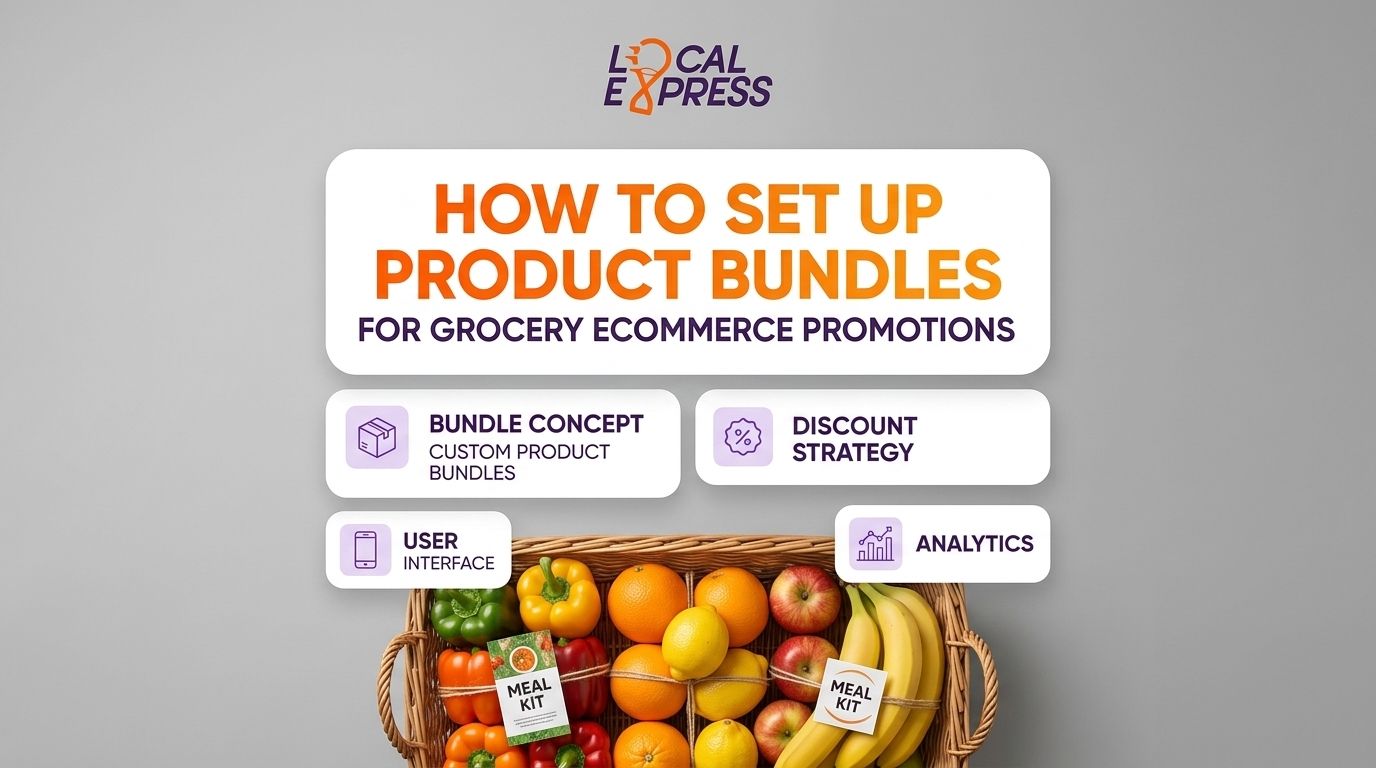
Setting up custom product bundles for grocery ecommerce means grouping two to four SKUs — usually one perishable, one shelf-stable — into a single priced unit that sells as one line item on your storefront, app, and kiosk. The setup runs in six steps: pick the bundle logic, set the combined price, tag inventory for the group, build the storefront module, set fulfillment and substitution rules, then track margin per bundle weekly. The step retailers skip is inventory sync — if the bundle SKU doesn't deduct stock from each component item in real time, you oversell the fresh item inside it by the second week.
- Custom product bundles for grocery ecommerce take six setup steps: logic, pricing, inventory tagging, storefront build, fulfillment rules, margin tracking.
- Bundles need real-time inventory sync across web, app, and kiosk or the perishable component oversells first.
- SNAP EBT rules restrict which items can sit inside a bundled price — check eligibility before you group items.
- Holiday and seasonal bundles carry the highest margin risk if pricing isn't reviewed weekly.
- Local Express syncs bundle inventory across web, app, and kiosk channels so stock counts stay accurate in 2026.
Why this matters
Independent and regional grocers compete against marketplaces on price, not experience — bundles are one of the few merchandising tools that shift that math. A bundle built around a near-expiry SKU cuts shrink instead of marking the item down alone; a bundle built around a slow mover pairs it with a fast mover and moves both.
The risk in 2026 is running bundles the way a spreadsheet promo ran a decade ago: static price, no inventory link, no channel sync. When a bundle sells on the website but the kiosk or app still shows the component items in stock separately, you get order cancellations and refund requests — the opposite of the margin lift the bundle was supposed to deliver.
How to set up custom product bundles for grocery ecommerce
- Pick the bundle logic. Decide if it's a fixed bundle (same items every time, like a taco night kit) or a mix-and-match bundle (pick any 3 of 6 eligible SKUs at a set price).
- Set the combined price. Price the bundle as its own SKU, not a discount rule layered on the cart — this keeps reporting clean and lets you track bundle-level margin separately from the individual items.
- Tag inventory for the group. Each component SKU needs a linked inventory record so one bundle sale deducts stock from every item in it, not just the parent SKU.
- Build the storefront module. Bundles need their own landing block or category page — burying them inside a general sale tab kills the click-through you're trying to generate.
- Set fulfillment and substitution rules. Decide what happens when one component sells out mid-week — swap, cancel the bundle, or auto-substitute per the logic in substitution rules for out-of-stock grocery items.
- Track margin per bundle weekly. A bundle that looked profitable at launch can bleed margin fast if one component's cost moves — review it on the same cadence as your regular price file, not quarterly.
| Step | What it controls | Fails if skipped |
|---|---|---|
| Bundle logic | Fixed vs. mix-and-match structure | Shoppers can't find eligible items |
| Combined pricing | Bundle-level margin reporting | Discounts get buried in cart rules |
| Inventory tagging | Stock deduction across components | Perishable item oversells |
| Storefront module | Visibility and conversion | Bundle ignored on a generic sale page |
| Fulfillment rules | Substitution and cancellation logic | Orders cancel mid-fulfillment |
| Margin tracking | Profitability per bundle | Bundle quietly loses money |
Fixed bundles vs. mix-and-match bundles
Fixed bundles work best for meal-kit style offers — the same three or four SKUs every time, simple to merchandise and simple to forecast. Mix-and-match bundles (any 3 of 6 snacks for one price) drive higher engagement because shoppers control the pick, but they need tighter inventory tagging since any eligible SKU can be the one that runs out first. Verdict: start with fixed bundles for the first cycle, move to mix-and-match once inventory sync is confirmed stable in 2026.
Why custom product bundles vary store to store
- Perishability mix — a bundle pairing fresh produce with a shelf-stable staple needs faster substitution rules than an all-shelf-stable bundle.
- SNAP EBT eligibility — bundled pricing can't mix EBT-eligible and non-eligible items under one bundled charge; check the setup on SNAP EBT online ordering before building the group.
- Channel spread — a store selling through web, app, and a self-checkout kiosk needs one inventory source of truth, or the bundle sells out on one channel while showing available on another.
- Multi-location inventory — a regional chain running the same bundle across stores needs stock synced per location, since one store's near-expiry dairy isn't another store's; see multi-location inventory sync.
- Seasonal demand swings — holiday gift baskets and back-to-school lunch bundles need shorter review cycles than year-round staple bundles.
- CPG co-funding — some bundles get partially funded by a brand's retail media spend, which changes how the margin math gets tracked.
Sync bundle inventory across every channel
See how orders and stock stay unified across web, app, and kiosk.
Can you bundle SNAP EBT-eligible items with non-eligible items?
No — a bundled price that combines an EBT-eligible food item with a non-eligible item can't be charged entirely to EBT, so those bundles need separate line-item pricing at checkout even when they're merchandised together on the storefront.
Do grocery bundles work for prepared food and kiosk orders?
Yes — prepared food bundles like a hot bar combo or a deli sandwich plus a drink work well through self-service kiosks because the kiosk enforces the bundle logic at order entry. The fulfillment rule just needs to route the ticket to the kitchen display system correctly.
How do you price a bundle so it doesn't cut into margin?
Price the bundle as its own SKU with a cost basis pulled from the current cost of each component, then review that cost weekly. Bundles priced once at launch and left alone are the most common source of margin drift in grocery ecommerce in 2026.
FAQ
What are custom product bundles in grocery ecommerce?
Custom product bundles group two or more grocery SKUs into a single priced item sold as one unit across web, app, and kiosk channels. They're built to move slow inventory, pair perishables with staples, or merchandise seasonal offers like meal kits.
How many SKUs go into a typical grocery bundle?
Most grocery bundles pair two to four SKUs. That's enough to feel like a complete offer without making inventory tagging and substitution rules too complex to manage.
Can grocery bundles include SNAP EBT items?
A bundle can include EBT-eligible items, but it can't charge a mixed bundle price to EBT if a non-eligible item sits inside the same bundle. Those items need to be priced and tendered separately at checkout.
Do bundles help reduce food waste in grocery stores?
Yes. Pairing a near-expiry perishable with a fast-moving shelf-stable item inside a bundle is a common way independent grocers move inventory before it becomes shrink, rather than marking the item down alone.
Should bundle pricing update with cost changes?
Bundle pricing should be reviewed on the same cadence as your regular price file. A bundle priced once at launch and left alone is a common source of quiet margin loss.
Can bundles be sold through a self-checkout kiosk?
Yes. Kiosks enforce bundle logic at order entry the same way they handle upsells, which works well for prepared food combos routed to a kitchen display system.
Do holiday gift baskets count as product bundles?
Yes. Holiday gift baskets are a fixed-bundle format, the same set of items sold at one price, and they carry higher margin risk than everyday bundles since component costs shift seasonally.
What's the biggest setup mistake with grocery bundles?
Launching a bundle without linked inventory tagging. The bundle keeps selling on one channel after the component item is already out of stock on another.
One last thing
The bundle that fails first is almost never the pricing — it's the substitution rule nobody wrote down. Set the out-of-stock rule for every component SKU before the bundle goes live in 2026, not after the first cancellation email lands.