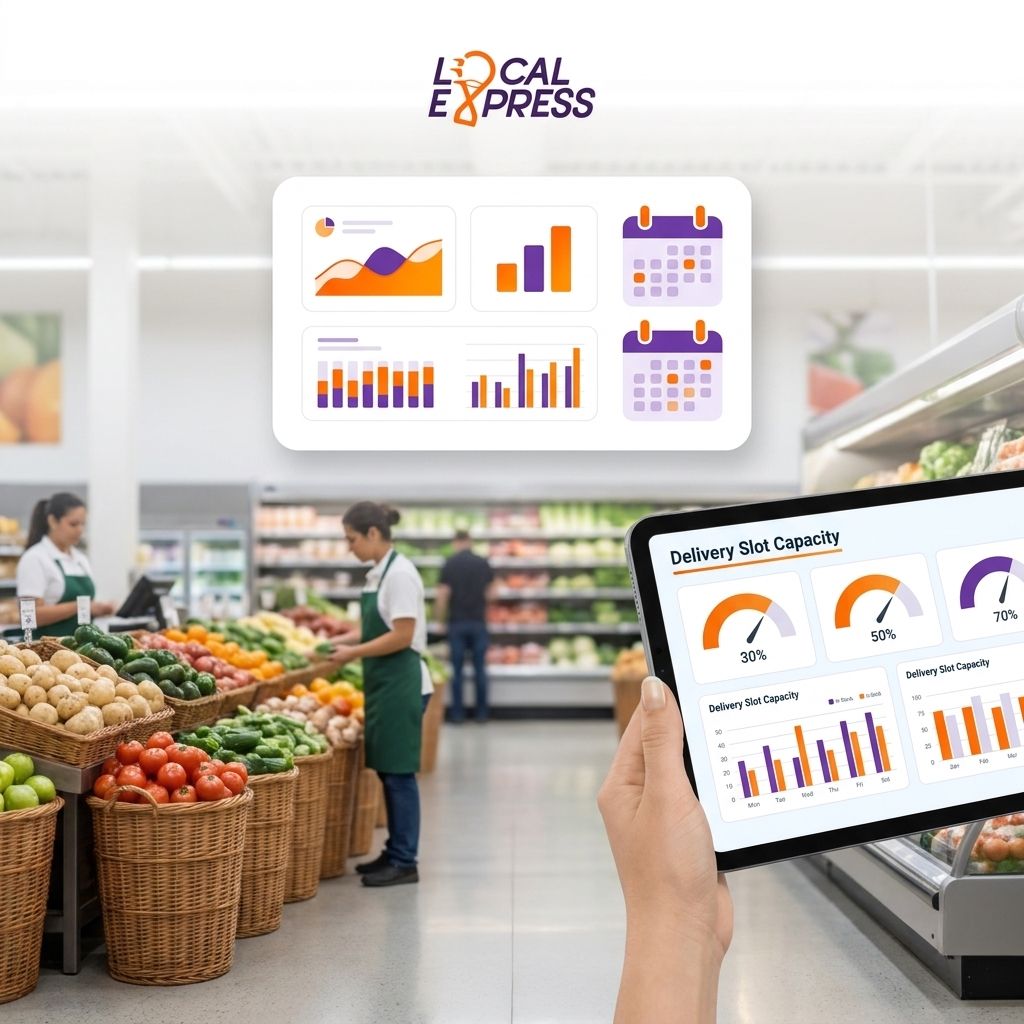
Delivery time slot capacity determines whether your grocery ecommerce checkout shows open slots or a wall of "fully booked" messages that push shoppers to a marketplace app instead. Get the math and the operating cadence right, and same-day delivery becomes a margin driver instead of a daily fire drill.
- Set delivery time slot capacity grocery orders limits per driver-hour, not per store, or you'll overbook every peak window.
- Cap orders per slot at 12-18 per active delivery vehicle depending on route density and basket size.
- Rebuild slot templates weekly using order history, not a static schedule set once at launch.
- Buffer 10-15 minutes between slots so late pickers don't cascade delays into the next three windows.
- Local Express order management syncs kiosk, app, and web orders into one capacity pool instead of three separate ones.
Why this matters
A grocer that opens every delivery slot with the same capacity, regardless of staffing or route length, either turns away paying customers during dinner rush or promises a 5-7pm window it can't hit. Both outcomes cost repeat business. Independent and regional grocers competing against Amazon Fresh and third-party marketplaces don't have the fleet depth to absorb bad slot math the way national chains do, so the slot grid has to reflect real driver-hours, not wishful scheduling.
Capacity planning also touches revenue directly. Every slot that closes early because the algorithm underestimated demand is a basket that either gets abandoned or routed to a marketplace competitor. Every slot that overbooks means late deliveries, refund requests, and one-star reviews that hurt every order after it. The fix isn't more drivers by default — it's a slot structure that matches available capacity to actual demand patterns by hour, day, and zone.
What you'll need
- Order history for at least 8-12 weeks, broken out by hour and day of week
- A current count of active delivery vehicles and driver shifts by daypart
- Average pick-and-pack time per order (from receiving to bag-out)
- Zone map with drive-time estimates, not just straight-line distance
- Delivery management software that shows slot fill rate in real time, like the order management tools inside the Local Express platform
- A published no-show/cancellation policy so open slots reflect true available capacity, not phantom bookings
The steps
1. Calculate driver-hour capacity before you touch the slot grid
Start with drivers, not slots. Multiply active delivery vehicles per shift by the number of stops each vehicle realistically completes per hour in your zone. A dense urban zone might support 3-4 stops per hour; a rural or exurban zone with longer drive times might only support 1.5-2. This number is your true ceiling — everything else in the slot grid has to fit inside it.
Common mistake: basing capacity on the busiest possible driver output instead of the average. If your best driver hits 5 stops an hour but your typical shift hits 3, plan the grid on 3 or you'll overbook every slot that isn't staffed by your top performer.
2. Set orders-per-slot limits by zone, not storewide
A single storewide cap treats a 2-mile urban zone the same as a 12-mile rural route, which is exactly how slots get overbooked in outlying zones. Break the delivery area into zones and assign each one its own per-slot order cap based on the drive-time and stop-density data from step one.
Cap each slot at roughly 12-18 orders per active vehicle for dense zones, tightening toward the lower end as zone size or basket size grows. Grocers running structured delivery zones and fees for multi-store chains already have the zone boundaries in place — capacity limits just need to be layered on top of that map.
3. Build slot templates around your actual demand curve
Pull 8-12 weeks of order timestamps and chart volume by hour and day. Most grocers see two peaks — a midday lunch window and a 4-7pm dinner rush — with a trough overnight and mid-morning. Open more, smaller slots during peaks and fewer, larger slots during the trough instead of running identical 2-hour windows all day.
Expected outcome: slot fill rate evens out across the day instead of showing 95% full at 5:30pm and 20% full at 10:30am. Common mistake: copying a competitor's slot schedule instead of your own order history — their demand curve isn't yours.
4. Add a buffer between slots, not just within them
Back-to-back slots with zero gap mean one late pick or one traffic delay cascades into every slot after it for the rest of the day. Build a 10-15 minute buffer between slot windows so a driver running behind on stop four doesn't blow the promised time for stops five through eight.
This buffer costs a small amount of theoretical capacity but protects the on-time rate that keeps customers booking delivery instead of switching to pickup or a marketplace.
5. Sync capacity across every ordering channel in real time
If web, app, and kiosk orders each pull from a separate capacity count, you will overbook a slot that looks open on one channel but is already full on another. Centralized order management across web, app, and kiosk channels closes that gap by drawing every channel's delivery orders from one live slot pool.
Expected outcome: a slot that shows "3 spots left" on the app shows the same number on the website and kiosk, because it's the same pool. Common mistake: running separate booking systems per channel and reconciling manually at end of day — by then the overbooking has already happened.
6. Route-optimize before you finalize the day's slot count
Static zone assumptions underestimate capacity on light-traffic days and overestimate it on heavy ones. Route optimization software for grocery last-mile delivery recalculates realistic stop counts per driver-hour based on actual traffic and order clustering, which should feed back into your per-slot caps rather than a fixed number set once at launch.
Common mistake: setting slot caps once during setup in 2026 and never revisiting them as fleet size, zone boundaries, or traffic patterns change.
7. Match staffing and fleet size to the slot grid you actually publish
A slot grid is a promise, and a promise needs enough drivers behind it. Review delivery staffing and vehicle needs for a grocery fleet against your published slot capacity before every seasonal demand shift — holiday weeks, back-to-school, and severe-weather stock-up periods all spike order volume well above a normal week.
Expected outcome: staffing scales with the slot grid instead of the slot grid outrunning the drivers available to fill it.
8. Monitor fill rate and no-show rate weekly, then adjust
A slot grid built once and left alone drifts out of sync with real demand within a few weeks. Track fill rate (bookings against capacity) and no-show rate (booked slots that don't get delivered as scheduled) every week and adjust the caps for zones running consistently over 90% full or under 40% full.
Common mistake: treating a fully-booked slot as a success metric on its own — if it's fully booked and customers are still complaining about missed windows, the cap is set too high for actual driver throughput.
See your delivery capacity in one dashboard
Local Express syncs web, app, and kiosk orders into one live slot pool.
Troubleshooting
- Slots show open but drivers are already maxed out. Your capacity pool isn't synced across channels — check whether app, web, and kiosk orders draw from the same live count or three separate ones.
- One zone always overbooks by dinner. That zone's per-slot cap was set storewide instead of by drive-time. Rebuild it using stop-density data specific to that zone, not the citywide average.
- On-time rate drops every time a driver calls out. Your slot grid assumes full staffing with no slack. Build a lower-capacity fallback grid you can switch to on short-staffed days.
- No-shows are eating real capacity. Orders marked as booked but never fulfilled still count against your slot cap unless your system releases them. Confirm your platform frees no-show slots automatically, not manually at end of day.
- Fill rate looks fine but complaints are up. Check the buffer between slots — zero-gap scheduling can show a healthy fill rate while every late pick cascades delays downstream.
- Rural zone slots sit empty while urban zones sell out. Rural zones need wider, less frequent slots reflecting longer drive times, not the same 2-hour grid as your densest zone.
Tools and resources
- Centralized order management across web, app, and kiosk channels — single capacity pool across every ordering surface
- Route optimization software for grocery last-mile delivery — real stop-per-hour data by zone
- Delivery staffing and vehicle needs for a grocery fleet — matching drivers to slot volume
- Delivery zones and fees for multi-store chains — zone boundaries that feed your slot caps
- Grocery delivery driver management software for independent retailers — tracking fill rate and no-show rate by shift
What to do next
Once the slot grid is stable, the next lever is who's driving it. Deciding between employee drivers and gig drivers changes your cost structure and your ability to guarantee capacity during peak windows — read the breakdown before your next hiring cycle.
FAQ
How many orders should one delivery slot allow?
Cap each slot at roughly 12-18 orders per active delivery vehicle in dense zones, tightening toward the lower end for rural or long-drive-time zones. The right number depends on stop density and basket size, not a fixed industry standard.
What is delivery time slot capacity in grocery ecommerce?
Delivery time slot capacity is the maximum number of orders a grocer can promise within a given delivery window without exceeding available driver-hours. Setting it too high causes missed windows; too low turns away paying customers.
Why do delivery slots show full when drivers aren't at capacity?
This usually means order channels aren't synced to one live capacity pool, so app, web, and kiosk orders are each drawing from separate counts. Centralized order management fixes this by pulling every channel from the same slot pool.
How often should a grocer rebuild its delivery slot schedule?
Review slot templates weekly using fill rate and no-show data, and rebuild fully ahead of major seasonal demand shifts like holiday weeks. A grid set once in 2026 and left untouched will drift out of sync with real demand within a few weeks.
Should rural delivery zones use the same slot structure as urban zones?
No. Rural zones have longer drive times and lower stop density, so they need wider, less frequent slots than dense urban zones running the same fleet.
Does a buffer between delivery slots reduce total capacity?
Yes, slightly, but a 10-15 minute buffer between slots prevents one late pick from cascading delays across the rest of the day's schedule, which protects on-time rate more than the small capacity loss costs.
How does route optimization affect slot capacity planning?
Route optimization software recalculates realistic stops per driver-hour based on actual traffic and order clustering, which should update your per-slot caps rather than relying on a fixed assumption set at launch.
What causes delivery slot overbooking at independent grocers?
The most common cause is a storewide capacity cap applied across zones with different drive times, plus separate booking systems per channel that don't share a live slot count.
One last thing
The zone that overbooks the most is rarely your busiest one — it's usually the outlying zone where drive-time got estimated with straight-line distance instead of actual traffic patterns. Fix that one zone's caps first; it's typically where the complaint volume concentrates.