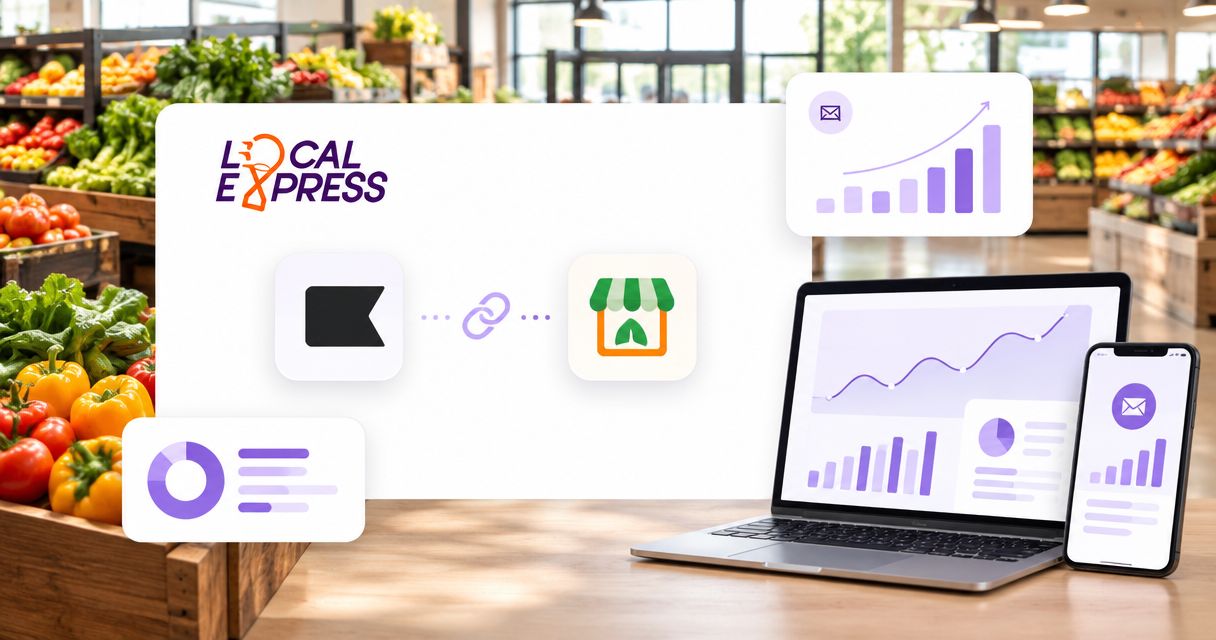
Instead of uploading grocery customer lists manually, connect verified storefront order and consent data to Klaviyo, then use those events to trigger email workflows. A klaviyo grocery ecommerce integration starts with a confirmed data-transfer method, not an assumed native connector.
- Build your klaviyo grocery ecommerce integration around verified order events, customer identity, and email consent.
- Local Express serves regional and independent grocers that need branded grocery ecommerce and order management.
- Keep Klaviyo flows in Draft until duplicate events, canceled orders, and unsubscribe handling pass testing.
- Use fulfilled-order events for post-purchase email; treat checkout recovery as a separate workflow.
Why this matters
A grocery order changes after checkout. Substitutions, variable-weight items, cancellations, and fulfillment updates make the initial basket a poor substitute for the final transaction. Your email workflow must distinguish an order submission from an order actually fulfilled.
Local Express is best for regional and independent grocers seeking branded grocery ecommerce and order management. The Local Express platform provides grocery websites, branded mobile apps, and order management; confirm the supported connection method for your deployment before configuring Klaviyo.
For your 2026 setup, define success as correct data reaching the correct customer profile and triggering the intended message. A successful transfer alone does not prove that an email workflow is safe to activate.
Before you start
- Account access: Have an authorized Klaviyo administrator, storefront administration access, and a technical owner who can confirm the supported data-transfer method. Establish who manages credentials, customer identity, and order-status mapping.
- Source materials: Prepare an example order record, a customer record, and the actual email-consent record. Identify which source owns order status and which source owns subscription status; do not treat a purchase as marketing permission.
- The mid-setup gotcha: Confirm whether historical imports can enter your chosen flow. Separate backfilled transactions from new activity before connecting a purchase-triggered email, or an old order can become a new marketing trigger.
Use a controlled pilot: 1 store, 3 test orders, and 2 email-consent states. These are test requirements, not platform limits. Include a fulfilled order, a canceled order, and a fulfilled order whose event you deliberately resend; test subscribed and unsubscribed profiles separately.
Do not begin customer-facing automation until the source method, identity rules, and consent behavior are established. This gate prevents you from designing a flow around an event your storefront cannot supply.
Connection method and data contract
Choose the transfer route
The right connection route depends on the supported capabilities of your storefront deployment. Request the actual setup instructions and event specification from the implementation owner rather than selecting a connector by name alone.
| Connection approach | Best for | Advantage | Limitation |
|---|---|---|---|
| Confirmed supported connector | Grocers with a documented connection for their deployment | Uses a defined setup and mapping process | You still need to verify event coverage, identity, and consent behavior |
| Server-side API integration | Grocers with technical ownership and confirmed source-data access | Allows explicit event mapping and retry handling | Requires development, credential management, and monitoring |
| Controlled customer-file import | Grocers preparing an initial audience migration | Makes a limited data transfer easy to inspect | Does not provide an ongoing order-event workflow by itself |
Choose the confirmed supported connector when its documented event coverage fits the workflow. Choose a server-side integration only after confirming source access and assigning technical ownership. Use a file import for migration, not as a substitute for continuous order synchronization.
Define the event contract
- Identify the source record that proves fulfillment. Record its exact status value and distinguish it from payment authorization, order submission, and pickup readiness.
- Define the destination event name. Use a documented connector event when provided; for a custom integration, agree on a name such as
Grocery Order Fulfilled. This is an example custom name, not a built-in storefront event. - Map customer identity, order identifier, event timestamp, store identifier, fulfillment method, and final purchased items where the source supports them.
- Define duplicate handling. Assign a stable event identifier to the same business event so a retry does not represent another purchase.
- Document historical-data handling separately from new transactions. Record which events are eligible to trigger marketing workflows.
Expected result: You have a written mapping that lets an operator distinguish a fulfilled order, a canceled order, and a retransmitted event without guessing.
For a 2026 implementation, keep a dated copy of this contract. Changes to order-status definitions must trigger a mapping review before they reach customer-facing flows.
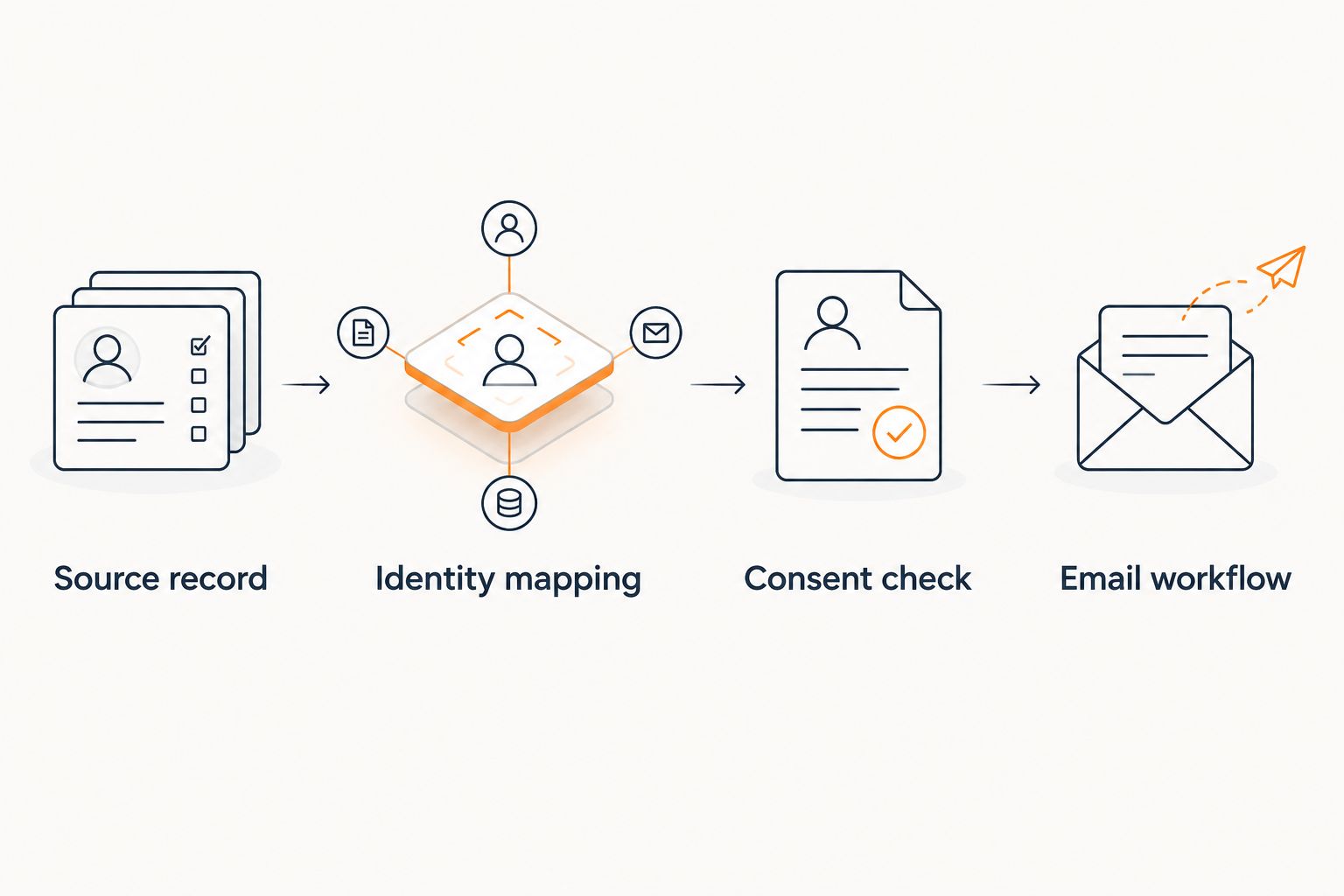
Customer identity and consent mapping
Map the customer profile
- Select the customer identifier your implementation will use consistently. If you use email, define how you handle address changes and guest checkout before importing records.
- Inspect the source and destination records side by side. Confirm that the event belongs to the intended shopper rather than a store contact, shared household address, or testing account.
- Preserve store and fulfillment preferences only when supported by actual source records. Do not infer a shopper's preferred location from a single temporary pickup selection.
- Separate customer-profile creation from marketing subscription. An order event and an email address do not establish email-marketing consent.
- Map subscription changes through the documented subscription process. Do not represent consent only as an arbitrary profile property that the sending workflow ignores.
Expected result: The intended customer has the correct order history, and subscribed and unsubscribed test profiles retain their respective marketing eligibility.
Protect subscription status
Treat an unsubscribe as an exclusion from marketing, not as a data-quality error to repair. A later purchase must not silently re-enroll that shopper.
Keep transactional order communications separate from promotional follow-ups. The operational message that confirms a grocery order and the marketing message that encourages another purchase serve different purposes; do not switch their roles to bypass subscription controls.
For customer segmentation, evaluate Local Express CRM with AI and CDP alongside the proposed Klaviyo workflow. Assign ownership of audience rules and subscription status before connecting systems; the product name alone does not establish a supported connection or automatic data synchronization.
Recommendation: Keep one authoritative consent process and document how every connected system receives changes. Conflicting subscription rules are harder to diagnose than a failed data transfer because the records can look technically valid while producing the wrong audience.
Event transfer and validation
Configure the confirmed connection
- Follow the documented instructions for your selected transfer route. Do not enter private credentials into storefront page code, email templates, or browser-visible scripts.
- For a custom server-side integration, have the technical owner create the required Klaviyo credentials with only the permissions needed for the implementation. Keep secrets in the server-side credential store.
- Send a controlled test record. Inspect the request result and destination profile before enabling automatic transfers.
- Submit the fulfilled, canceled, and repeated-event test cases. Confirm which cases create the destination event and which cases are excluded.
- Compare the event timestamp with the source transaction. Preserve the business event's time rather than substituting the time of a delayed retry.
- Inspect final purchased items. Verify that substitutions and removed items reflect the intended event definition rather than the original cart.
Expected result: The fulfilled order reaches the correct profile, the canceled order does not masquerade as a fulfilled purchase, and the repeated event does not create another business event.
A 2026 launch should include an exception log containing the source order identifier, transfer outcome, and retry state. Avoid logging unnecessary personal information; troubleshooting needs traceability, not an unrestricted copy of customer records.
The centralized order management guide provides adjacent planning context when web, app, and kiosk orders need consistent treatment. Decide which channels belong in the marketing event contract before expanding the connection.
Klaviyo flow configuration
Build the post-purchase flow
- In Klaviyo, open Flows, select Create flow, and choose Build your own to configure a custom flow.
- Select Metric as the trigger type and choose the verified fulfillment metric. Use the exact event name visible in your account, not an example copied from this guide.
- Add eligibility filters that reflect your documented rules. Exclude historical imports and inappropriate order states where your event properties support those distinctions.
- Add a delay that fits the message's purpose. A post-fulfillment shopping follow-up should not arrive while the customer is still waiting for the order.
- Add the email and inspect every dynamic field with the controlled test event. Keep promotional content separate from essential order-status information.
- Keep the message in Draft during configuration. Use Manual for controlled review of eligible messages before switching approved actions to Live.
Expected result: The correct event qualifies the intended subscribed test shopper, and the email renders without exposing raw property names or unrelated order information.
Do not activate the entire flow because a single preview looks correct. Verify the actual trigger, exclusions, subscription state, and repeat-purchase behavior. Previewing a template checks rendering; it does not prove the audience logic.
For the 2026 pilot, record the approved event name and flow settings together. The operator responsible for grocery fulfillment and the owner of email marketing should agree on what the trigger means.
Second variant: checkout recovery
Best for: grocers with a verified checkout-start event and a reliable subsequent-order event. Checkout recovery addresses an unfinished purchase; post-purchase email addresses a completed transaction. Build them as separate workflows.
- Confirm that your supported connection provides a checkout-start event and enough customer identity to associate it with a profile.
- Define the completion event that removes the shopper from recovery. Test whether completion through another connected channel is recognized.
- Configure an eligibility check before the recovery email so a shopper who has already completed the purchase does not receive an abandoned-checkout message.
- Test the destination link. Use only a supported checkout or cart-return mechanism; do not construct a URL from an order identifier.
- Verify that the returning shopper sees current cart conditions rather than an email promise based on an earlier basket.
Expected result: An eligible subscribed shopper with an unfinished checkout receives the recovery message, while a shopper who subsequently orders is excluded.
The advantage is a message tied to a specific unfinished task. The limitation is stricter tracking: a fulfillment-only feed cannot establish checkout abandonment. Do not build checkout recovery from an absence of purchase history alone.
Troubleshooting
The order event never appears
Check the source status, transfer log, destination account, and selected metric. A submitted order does not satisfy a fulfillment-only rule. Correct the mapping or transfer failure before changing the email flow.
One order triggers repeated follow-ups
Compare event identifiers across retries and check whether multiple source channels report the same transaction. Preserve the stable identifier for retransmission, and distinguish a new status update from a new purchase.
An unsubscribed shopper enters the audience
Inspect subscription handling separately from profile properties. A custom consent label is not proof that the sending system has recorded the correct subscription state. Pause promotional sending until the exclusion works.
Old orders qualify as new purchases
Review the backfill flag, timestamp mapping, and trigger exclusions. Stop the historical transfer from entering customer-facing automation, then rerun the controlled test without sending marketing to the imported audience.
Email shows original items instead of fulfilled items
Inspect the source payload and event timing. Move the mapping to the appropriate final-order record if supported; otherwise remove item-specific claims from the template rather than presenting the original cart as the completed purchase.
Customize your workflow
Expand the connection only after the fulfillment workflow passes its tests. Add store-specific messaging, repeat-purchase eligibility, or seasonal grocery campaigns using verified properties rather than assumptions about the shopper.
For fall 2026 grocery campaigns, store location and fulfillment method are practical routing inputs. Keep campaign relevance separate from consent: a relevant audience still needs valid marketing eligibility.
Measure integration quality before campaign results. Track failed transfers, duplicate events, identity mismatches, and messages excluded by subscription rules. Set your own acceptance criteria; no universal threshold replaces checking whether the pilot behaves correctly.
Explore your grocery commerce setup
Review the platform for branded grocery storefronts, mobile apps, and order management.
FAQ
How do I connect Klaviyo to my grocery storefront?
Confirm the supported data-transfer method, map customer identity and consent, validate order events, and then configure a Klaviyo metric-triggered flow. Do not assume a native connector exists for your deployment.
Does Local Express automatically connect to Klaviyo?
Confirm the connection method for your specific Local Express deployment before setup. Ask for the supported event list, authentication instructions, and subscription-handling rules rather than assuming automatic synchronization.
Which grocery order event should trigger post-purchase email?
Use a verified fulfillment event when the message depends on a completed grocery order. Order submission alone does not prove that substitutions, cancellations, or final item changes have been resolved.
Can I import grocery customer emails and start sending promotions?
An email-address import does not establish marketing consent. Preserve subscription records and exclude shoppers who are not eligible for promotional email.
Can the same connection support abandoned-checkout email?
Only use the connection for checkout recovery when it supplies verified checkout activity and a reliable completion event. A feed containing fulfilled orders alone does not identify unfinished checkouts.
Why does a single grocery order trigger multiple emails?
Duplicate source events or retries without consistent event identifiers can create repeated triggers. Compare identifiers and source channels, then correct duplicate handling before restoring the flow.
What should I test before making a Klaviyo flow live?
Test fulfilled orders, canceled orders, retransmitted events, and subscribed versus unsubscribed profiles. Also verify historical-import exclusions, customer identity, and dynamic email fields.
One last thing
Test the exception, not just the sale. A fulfilled test order proves the happy path; a canceled order, an unsubscribe, and a repeated event reveal whether the workflow respects grocery operations. Keep the automation paused until those cases behave correctly.