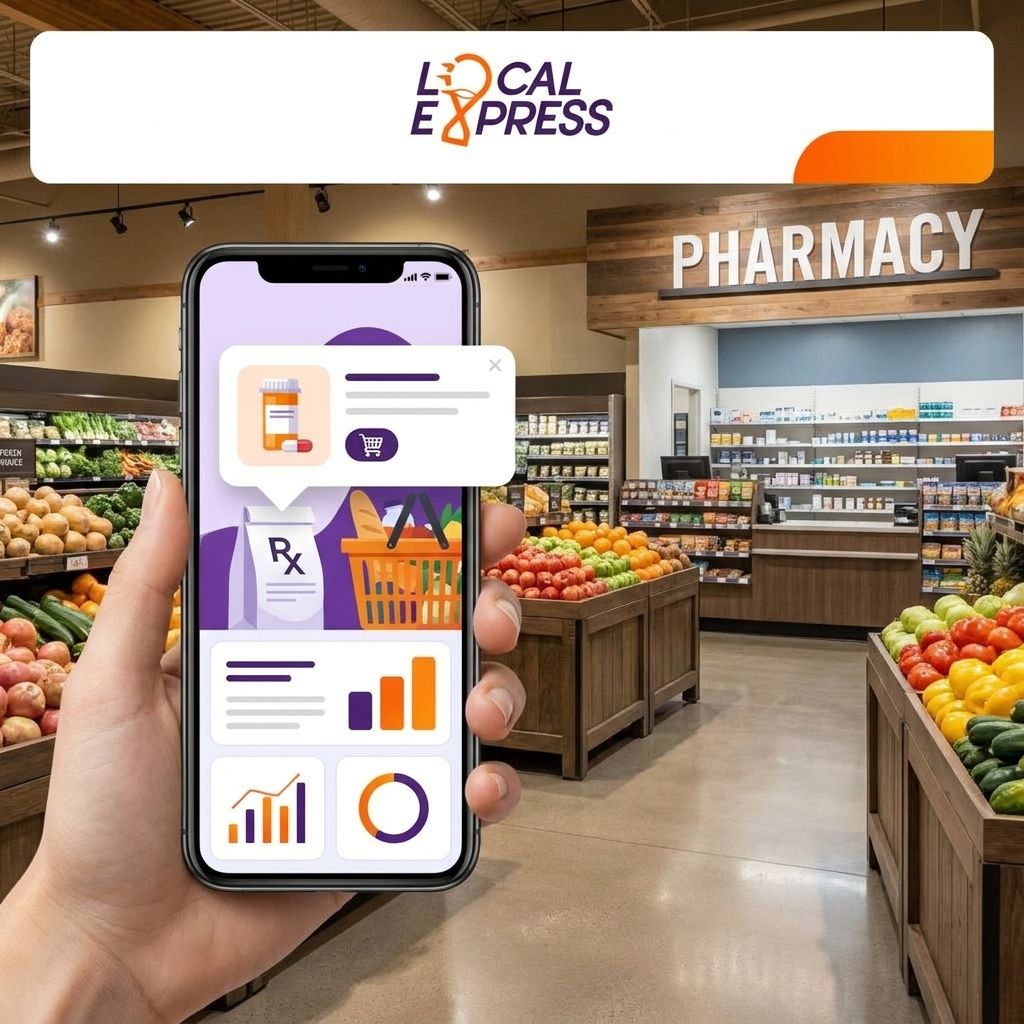
Pharmacy pickup notifications work like order-ready alerts anywhere else in a grocery app: the pharmacy management system marks a prescription filled, that status change fires a trigger, and the customer gets a text, push alert, or email telling them the counter is ready. The catch most grocers hit in 2026 is that pharmacy systems and grocery ecommerce platforms rarely talk to each other out of the box, so the notification layer has to be built as a bridge, not a bolt-on.
- Pharmacy pickup notifications grocery app setups need a status trigger from the pharmacy system, not just the ecommerce order flow.
- Three channels cover it: SMS for fastest reads, push for app-loyal customers, email as backup.
- Local Express connects order status across web, app, and kiosk channels so a filled prescription and a filled grocery order use the same notification pipe.
- HIPAA rules limit what can appear in the message body — status only, no drug names, no dosage.
- Two-way SMS lets customers confirm they're on the way, which cuts counter congestion at pickup windows.
Why this matters
A pharmacy counter that can't tell a customer their prescription is ready creates two problems at once: the customer shows up too early and waits, or shows up without knowing it's ready and leaves without it. Either way it's a wasted trip and a pharmacist interrupted mid-fill to answer a status question that a notification should have already answered.
Grocers running pharmacy counters alongside deli, bakery, and prepared food pickup already know this pattern from buy-online-pickup-in-store workflows — pharmacy pickup is the same logic with tighter compliance rules. Get the trigger and the channel right and the counter runs itself.
How to add pharmacy pickup notifications to a grocery app
The build breaks into five steps. Skip step two and the whole system reports false-ready alerts, which is the fastest way to lose customer trust in the feature.
- Confirm the pharmacy management system can expose a status API or webhook. Most pharmacy dispensing systems used by independent and regional grocers support a status field (received, in process, ready, picked up). If yours doesn't expose it programmatically, the notification has to be triggered manually by pharmacy staff — workable for a single-location store, painful for a multi-location chain.
- Map the status values to customer-facing language. "Ready" in the pharmacy system needs to become "Your prescription is ready for pickup at [store name]" in the notification — never the drug name, never the dosage.
- Connect the trigger to your notification tool. This is the layer that decides SMS, push, or email and fires the message the moment status flips. Local Express routes this through the same push notification and SMS tools used for grocery order-ready alerts, so pharmacy and grocery pickups share one pipeline instead of two disconnected systems.
- Set the customer's channel preference at account creation or first pickup. Some customers want a text, some want the app badge, some still check email first. Let them choose once and keep it consistent.
- Add a two-way reply option. "On my way" or "Running late" replies let the counter staff pace their queue instead of guessing who's actually coming in the next ten minutes.
Once built, this pipeline sits inside the same centralized order management across web, app, and kiosk channels that already tracks grocery pickup and prepared food orders — pharmacy just becomes another order type in the same queue view.
Compliance checkpoint before you launch
HIPAA governs what can appear in a notification, and this is non-negotiable for any pharmacy counter in the U.S. in 2026:
| Allowed in the message | Not allowed in the message |
|---|---|
| Store name and pickup counter | Drug or medication name |
| Order/status only ("ready for pickup") | Dosage, quantity, or refill details |
| Pickup window or hours | Prescriber name |
| Generic reference number | Insurance or payment amount |
Build the message templates once with this table in front of you and you avoid the compliance review cycle later.
SMS pickup alerts: fastest read, best for time-sensitive pickups
Text messages get opened faster than push or email for most customers, which makes SMS the right default channel for pharmacy pickup — a customer waiting on an antibiotic or an insulin refill checks a text before they check an app badge. Best for: customers without the grocery app installed, or pickups where timing actually matters (same-day fills, urgent refills). The tradeoff is cost per message at scale and the character limit that forces short, templated copy.
Push notifications: best for app-loyal repeat pickup customers
Push notifications cost nothing per send and land directly in the app the customer already uses for grocery ordering, which makes this the cheapest channel for chains with high app adoption. Best for: regional chains that already pushed customers into a branded mobile app for grocery ordering — pharmacy notifications ride the same install base. The tradeoff: customers who haven't opted into notifications, or who deleted the app after one grocery order, never see it.
Email notifications: best as a fallback, not a primary channel
Email is the slowest of the three channels for a pickup-ready alert — open rates lag far behind SMS and push for time-sensitive messages — but it's the right fallback for customers with no phone number on file or who opted out of texts. Best for: backup coverage, receipt-style confirmations after pickup, not the primary "come get it now" trigger.
Quick channel comparison
| Channel | Speed to read | Cost per send | Best for |
|---|---|---|---|
| SMS | Fastest | Highest | Urgent or same-day pickups |
| Push | Fast (if opted in) | Lowest | App-loyal repeat customers |
| Slowest | Low | Fallback / record-keeping |
Verdict: run SMS as the default trigger, push as the free secondary channel for app users, and email as the safety net — not the other way around.
Connect pharmacy status to your grocery app
See how order status syncs across web, app, and kiosk in one platform.
Why pharmacy notification setups vary between grocers
No two grocery pharmacy counters wire this up the same way. The differences usually come down to:
- Pharmacy system integration depth — some systems expose a full status API, others only a daily batch file, which forces near-real-time vs. delayed notifications.
- Store count — a single independent store can trigger notifications manually; a regional chain needs the automated pipeline to stay consistent across locations.
- Customer contact data quality — notifications only work if phone numbers and app opt-ins are current, which is a data hygiene problem before it's a technology problem.
- Compliance review cycle — chains with legal or compliance teams add a review step before any pharmacy-facing message template ships.
- Existing customer segmentation tools — grocers already using the Local Express CRM with AI and CDP can target notification preferences by customer behavior instead of sending every pickup alert through every channel.
- Counter staffing — busier pharmacy counters lean harder on two-way SMS replies to manage queue timing during peak hours.
Related questions
Can pharmacy pickup notifications include the medication name?
No — pharmacy pickup notifications should never include the medication name, dosage, or prescriber information in the message body. HIPAA treats that as protected health information transmitted over an unsecured channel, so the safest message format is status-only: "Your prescription is ready for pickup."
Does a grocery app need a separate system for pharmacy vs. grocery order notifications?
No, a single notification pipeline can handle both if it's built to accept multiple order types. Routing pharmacy status through the same centralized order management layer as grocery and prepared food orders keeps the customer experience consistent and cuts the number of systems staff have to monitor.
What happens if a customer doesn't respond to a pickup notification?
Most setups send a single alert when the order goes ready, then rely on the pharmacy's existing hold policy rather than repeat notifications. A two-way SMS reply option ("on my way") gives counter staff a signal without needing a second automated message.
FAQ
What's the best channel for pharmacy pickup notifications in a grocery app?
SMS is the best default channel for pharmacy pickup notifications because it gets read faster than push or email for time-sensitive alerts. Push notifications work as a free secondary channel for customers already using the grocery app.
Is push notification better than SMS for pharmacy pickup alerts?
Push notifications cost less to send but only reach customers who installed the app and opted into alerts. SMS reaches more customers reliably, which is why most grocery pharmacy counters run SMS as the primary channel and push as backup.
How do pharmacy pickup notifications stay HIPAA compliant?
Pharmacy pickup notifications stay compliant by including status only — no drug name, dosage, or prescriber details in the message. The notification should read like a generic order-ready alert, not a medical summary.
Can independent grocers add pharmacy notifications without a full app rebuild?
Yes, if the pharmacy management system exposes a status trigger, that trigger can plug into an existing notification tool without rebuilding the grocery app itself. The heavier lift is usually the integration between pharmacy software and the ecommerce platform, not the app interface.
Do pharmacy pickup notifications reduce counter wait times?
Yes, pharmacy pickup notifications reduce wait times by telling customers exactly when to arrive instead of guessing. Two-way SMS replies add a further reduction by letting staff see who's actually en route during busy pickup windows.
What information should a pharmacy pickup text include?
A pharmacy pickup text should include the store name, pickup counter or location, and a status message like "ready for pickup" — nothing about the medication itself. Keep it short enough to read in one glance.
One last thing
The compliance table is where most grocers lose weeks — legal review on message templates takes longer than the actual technical integration in most 2026 rollouts. Draft and clear the message copy before writing a line of integration code, not after; it's the step that gets skipped and then blocks launch at the finish line.