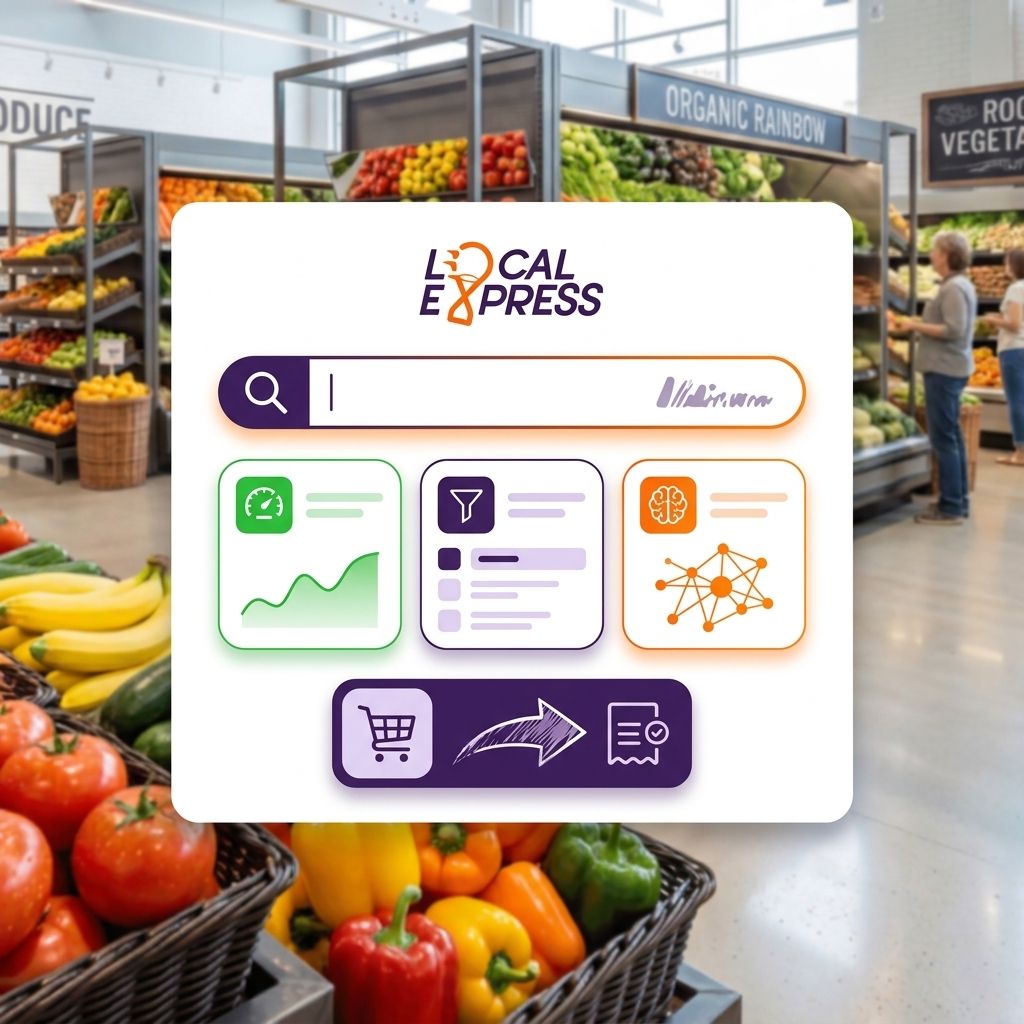
Fixing on-site search for a grocery ecommerce catalog means solving five things at once: typo tolerance, grocery-specific synonym mapping, autocomplete with images and prices, dietary and brand facets, and merchandising rules that push in-stock, high-margin items to the top. Skip any one of them and shoppers hit zero-result pages and abandon the cart before checkout.
- Grocery ecommerce catalog search fails most often on synonym gaps, not typos — ‘soda’ vs ‘pop’ vs a brand name.
- Zero-result search pages are the single biggest silent leak in a grocery ecommerce catalog in 2026.
- Facets for dietary tags (gluten-free, kosher, halal, organic) cut browse time and lift conversion on mobile.
- Merchandising rules that favor in-stock, high-margin SKUs in search results protect margin without touching price.
- Autocomplete with product images and prices reduces the guesswork shoppers face on a 4,000+ SKU catalog.
Why this matters
A grocery ecommerce catalog behaves nothing like an apparel or electronics catalog. Shoppers search by brand, by generic name, by dietary need, and by regional slang, often in the same session. When on-site search can't bridge "cilantro" and "coriander," or "soda" and "pop," the shopper doesn't file a complaint — they leave the cart and go to a marketplace app instead.
That gap shows up directly in cart abandonment on a grocery ecommerce website numbers. Search that returns zero results or the wrong item is one of the fastest ways to lose an order that was already in progress. Fixing search isn't a UX nicety in 2026 — it's a margin decision.
How do you improve on-site search for a grocery ecommerce catalog?
Work through these seven fixes in order. Each one addresses a specific failure mode that shows up in grocery catalogs and nowhere else at this scale.
- Turn on fuzzy matching and typo tolerance. Shoppers type fast on mobile while standing in a kitchen. "Chikn" needs to return chicken, not zero results.
- Build a grocery-specific synonym dictionary. Map "soda" to "pop," "cilantro" to "coriander," and regional brand nicknames to their SKU names. This single fix resolves more failed searches than any algorithm tweak.
- Add autocomplete with product images and prices. Grocery shoppers recognize packaging before they read text. Image-based autocomplete cuts the back-and-forth between search and product page.
- Layer in dietary and attribute facets. Gluten-free, kosher, halal, organic, and allergen filters need to sit next to search results, not buried three clicks deep in navigation.
- Weight search results by stock and margin, not just relevance. An out-of-stock item ranking above an in-stock substitute costs a sale. Merchandising rules should push available, higher-margin SKUs up without making the result feel manipulated.
- Handle substitutions inside search, not just at fulfillment. If a shopper searches for a discontinued private-label item, search should surface the closest in-stock match immediately.
- Track zero-result and low-click searches monthly. This log is the single best source of new synonym mappings and catalog gaps — review it every month, not once a year.
Search result quality checklist
| Search behavior | Fixes it | Cost of ignoring it |
|---|---|---|
| Typo returns zero results | Fuzzy matching | Abandoned cart |
| "Pop" returns nothing but "soda" exists | Synonym dictionary | Lost sale to a competitor site |
| Shopper can't find gluten-free item | Attribute facets | Longer session, lower conversion |
| Out-of-stock item ranks first | Stock-aware merchandising rules | Order cancelled at fulfillment |
| No autocomplete images | Visual autocomplete | Wrong item added to cart |
Why on-site search breaks down for grocery catalogs
Grocery catalogs strain search engines in ways most ecommerce platforms weren't built for. The failure points repeat across independent grocers and regional chains alike:
- SKU volume. A mid-size grocer can carry 4,000 to 15,000 active SKUs, many with near-identical names (three brands of the same 12-count eggs).
- Regional naming variance. The same product gets different names depending on where a shopper grew up — soda, pop, and coke as generic terms are the classic example.
- Private label naming gaps. Store-brand items rarely match the generic terms shoppers actually type into search.
- High SKU turnover. Perishables rotate in and out of the catalog weekly, and stale search indexes keep surfacing items that are no longer carried.
- Multi-unit and size variants. "Milk" needs to resolve to gallon, half-gallon, and quart options without forcing the shopper to filter manually.
- No synonym maintenance process. Most catalogs launch with a synonym list and never touch it again, so new slang and new SKUs never get mapped.
Getting these six factors under control is most of the work. The rest is measurement and iteration, not new technology.
“A zero-result search page on a grocery ecommerce catalog is a cart abandonment event you never see in the abandonment report.”
Fixing search rarely requires a full platform rebuild. Grocers who build a grocery ecommerce website without a developer can usually adjust synonym mappings and facet configuration directly through the platform admin, without a dev ticket.
Fix search without a rebuild
See how a unified grocery commerce platform handles catalog search.
Does better on-site search actually reduce cart abandonment for grocery stores?
Better on-site search reduces cart abandonment because most abandoned sessions in grocery ecommerce start with a failed search, not a pricing objection. A shopper who can't find an item in three seconds doesn't wait around — they close the tab. Fixing synonym gaps and zero-result pages addresses the abandonment trigger before it happens, rather than trying to win the shopper back with a discount later.
How many SKUs can a grocery ecommerce search index handle before performance drops?
A well-built grocery ecommerce search index handles tens of thousands of SKUs without a perceptible speed drop in 2026, because the bottleneck is almost never raw catalog size. The real bottleneck is unmaintained synonym mappings and facet structures that weren't designed for grocery-specific search behavior, which slow shoppers down long before the index itself struggles. Chains running multi-location inventory sync for regional grocery chains also need search to reflect per-store stock, not just a single master catalog.
What's the difference between search and browse for a grocery ecommerce catalog?
Search is intent-driven — the shopper knows what they want and types it. Browse is discovery-driven — the shopper scrolls a category page looking for ideas. A grocery ecommerce catalog needs both to work well, but search carries more weight because grocery shopping lists are typically written before the shopper opens the app. Weak browse costs impulse sales; weak search costs the sale that was already planned.
FAQ
What's the fastest fix for on-site search in a grocery ecommerce catalog?
Building a synonym dictionary for regional and generic product names is the fastest fix, because it resolves the largest share of zero-result searches without any code changes. Most grocers see the impact within the first review cycle after adding common substitutions like soda/pop and cilantro/coriander.
Is autocomplete necessary for a grocery ecommerce catalog?
Autocomplete is necessary once a catalog passes a few thousand SKUs, because shoppers can't type full product names accurately on mobile. Image-based autocomplete specifically helps grocery shoppers who recognize packaging faster than text.
How often should a grocery store review its search synonym list?
Review the synonym list monthly in 2026, pulling directly from the zero-result search log. New SKUs, seasonal items, and regional slang shift constantly, and a synonym list built once at launch goes stale within a few months.
Should out-of-stock items show up in grocery ecommerce search results?
Out-of-stock items should either be suppressed or ranked below available substitutes, never shown at the top of results. Merchandising rules that favor in-stock, higher-margin SKUs protect both the sale and the fulfillment experience.
Does dietary filtering belong in search or in navigation for a grocery catalog?
Dietary filtering belongs directly next to search results, not buried in a separate navigation menu. Shoppers searching for ‘bread’ who also need gluten-free should filter without leaving the search results page.
Can small independent grocers afford advanced on-site search in 2026?
Independent grocers can access advanced search features — synonym mapping, facets, stock-aware ranking — through unified commerce platforms built for grocery, without hiring a dedicated search engineer. The features that matter most for grocery search are configuration, not custom development.
One last thing
The zero-result search log is the most underused report in most grocery ecommerce back offices. Pull it monthly, add the top ten missing synonyms, and the search experience improves faster than any algorithm change — that log is a direct list of what shoppers wanted and couldn't get in 2026.