Best overall for 2026: the Local Express unified commerce platform, because it builds WCAG 2.1 AA structure into the web, app and kiosk experience from one codebase instead of patching each channel separately. Best for a fast stopgap on an existing site: an accessibility overlay widget. Best for a store that already got a demand letter: a manual WCAG audit and remediation service. Below is the full ranking of ada compliance tools for grocery ecommerce, with a clear best-for pick for every budget and every stage of risk.
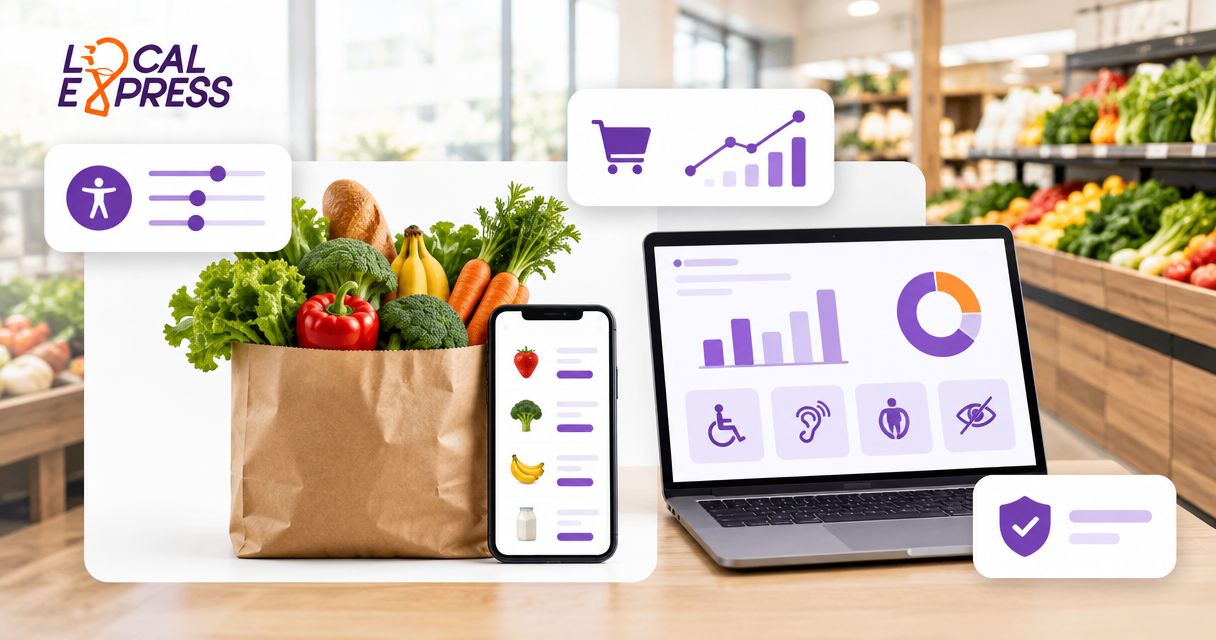
- Local Express wins for grocers building or rebuilding a storefront in 2026 because accessibility is designed into checkout, app and kiosk at once.
- Overlay widgets like UserWay and accessiBe are a stopgap, not a fix — courts and advocacy groups have flagged overlay-only sites in ADA litigation.
- Automated scanners such as axe DevTools and WAVE catch markup errors but miss real screen-reader friction on live grocery checkout flows.
- Manual WCAG audits are the right move the day you receive an ADA demand letter, not months after.
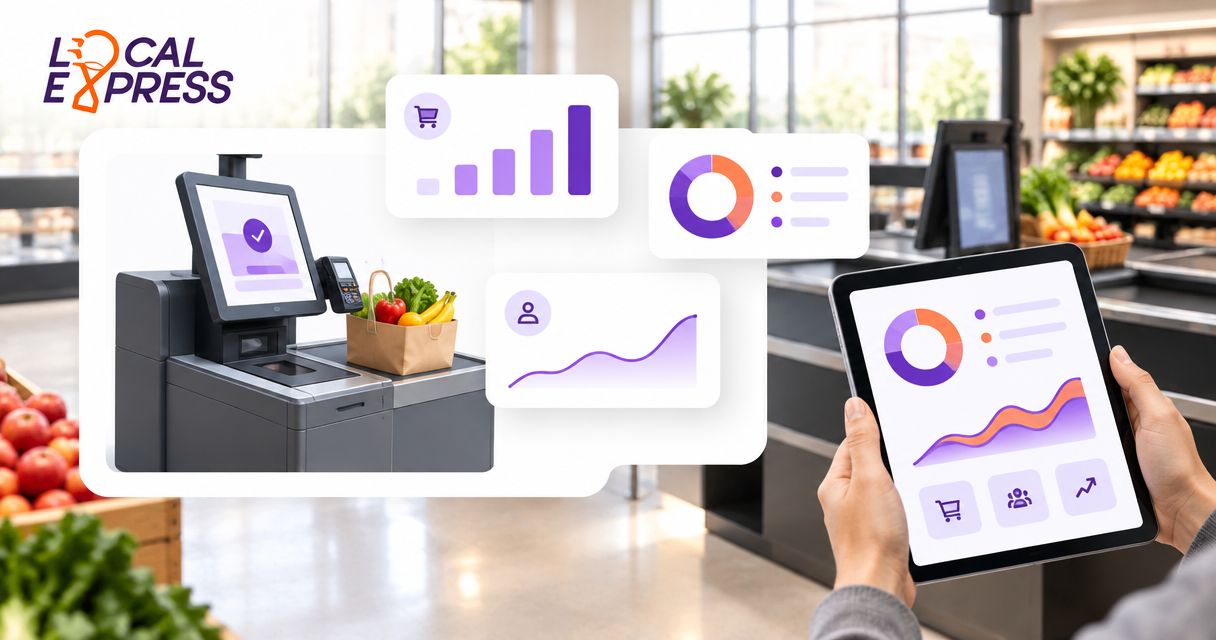
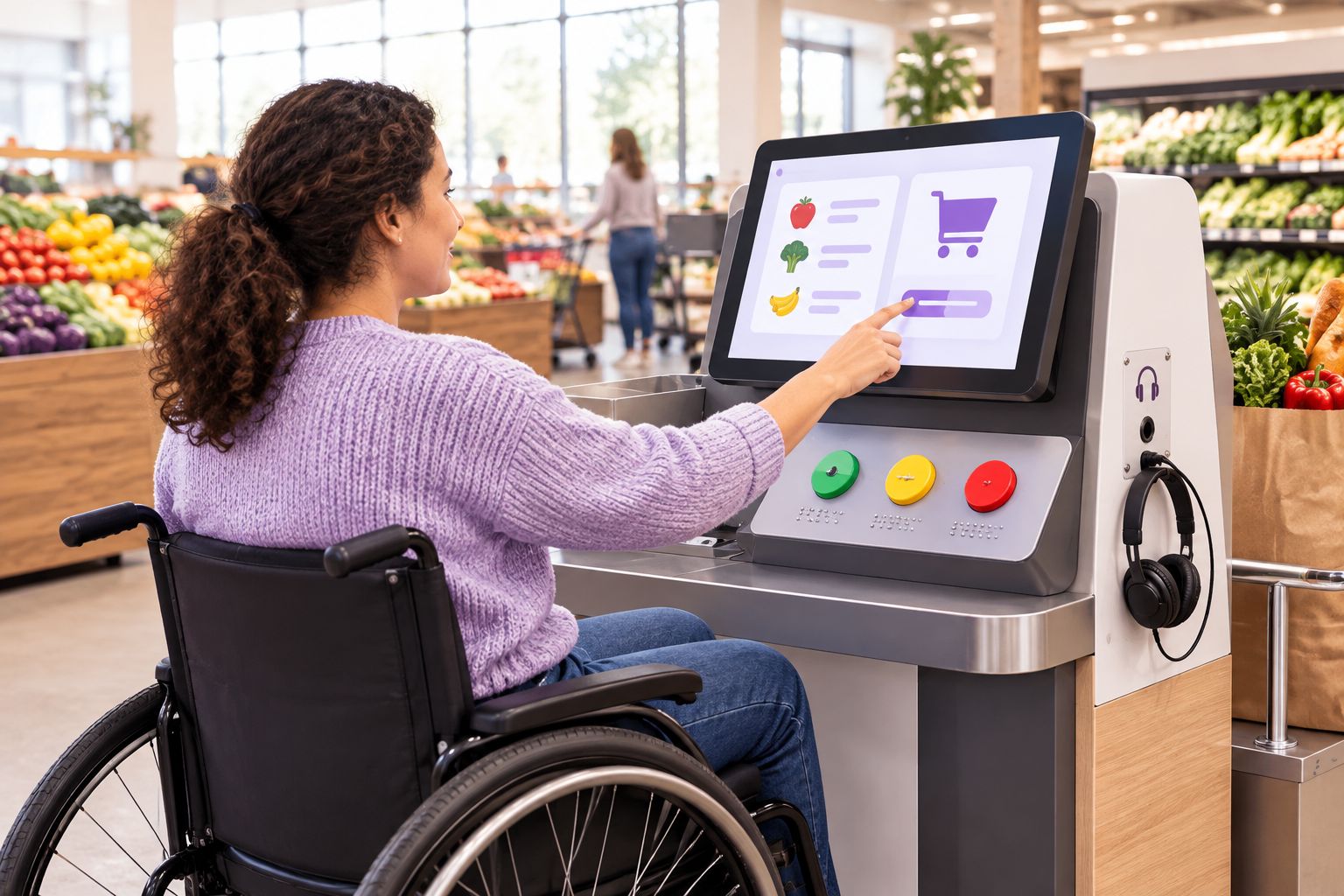
- Self-checkout kiosks carry their own ADA reach-range and tactile-control requirements separate from the website.
Why this matters
ADA Title III lawsuits target ecommerce sites that fail basic screen-reader and keyboard navigation tests, and grocery is not exempt just because groceries feel like a low-risk category. Courts consistently point to WCAG 2.1 or 2.2 Level AA as the working standard, even though the ADA itself doesn't name a technical spec.
Grocery ecommerce adds complexity a typical retail site doesn't have: substitution pop-ups, SNAP EBT payment screens, delivery time-slot calendars, and self-checkout kiosks with physical controls. A tool that passes a homepage scan can still fail at checkout, where the legal exposure actually lives. If your storefront runs through Local Express, accessibility gets addressed at the platform level rather than store by store.
What makes the best ADA compliance tool for grocery ecommerce
- WCAG 2.1/2.2 AA conformance across every channel — web, mobile app and self-checkout kiosk, not just the homepage.
- Screen reader compatibility on live shopping flows — search, substitutions, cart, and checkout, not just static content pages.
- Full keyboard navigation with no dead-end focus traps in modals or promo pop-ups.
- Ongoing monitoring, since a site that passes an audit in January can fail again after a redesign in June.
- Accessible payment and pickup flows, including SNAP EBT online ordering and contactless checkout.
- Documentation you can hand to a lawyer if a demand letter shows up.
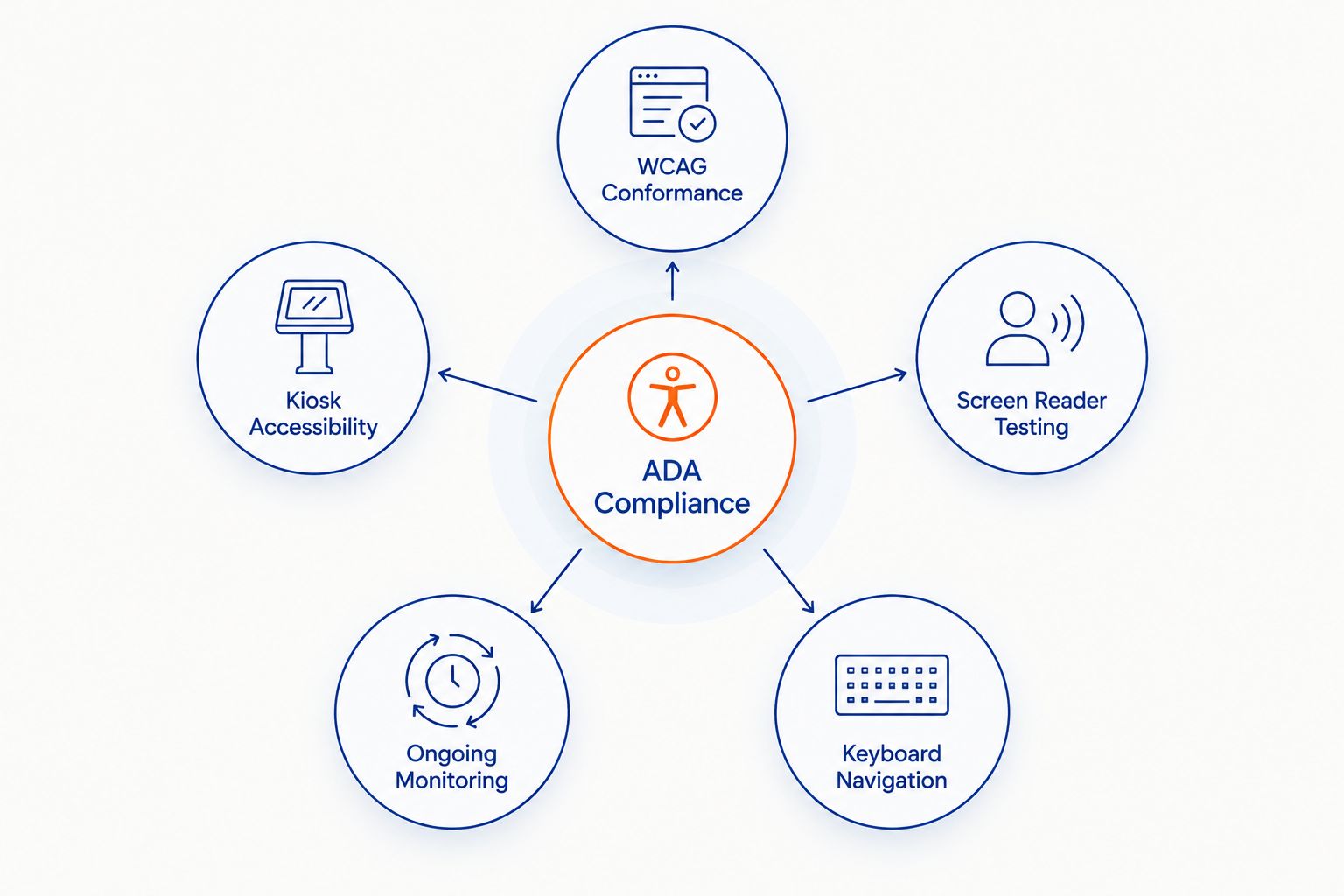
ADA compliance tools for grocery ecommerce at a glance
| Tool | Best for | Standout feature | Key limitation |
|---|---|---|---|
| Local Express platform | Grocers building or rebuilding a full storefront | Accessibility built into web, app and kiosk from one vendor | Requires a migration project if moving off an existing site |
| Overlay/widget tools | Fast stopgap on an existing site | No-code install, contrast and font-size controls | Doesn't fix underlying markup; criticized in ADA litigation |
| Manual WCAG audit and remediation | Stores that already got a demand letter | Prioritized fix list from real assistive-tech testing | Slow, and cost scales with site complexity |
| Automated scanners (axe, WAVE) | Dev teams running continuous QA | Catches markup issues on every deploy | Misses real-world screen-reader friction |
| Assistive-tech user testing labs | Validating a major relaunch before it ships | Real screen reader and switch-device users flag friction | Needs lead time; not built for routine changes |
| Legal/compliance monitoring services | Multi-location chains tracking risk | Centralized exposure tracking across many storefronts | Doesn't fix the site itself |
1. Local Express: best ADA compliance tool for grocers building or rebuilding a full storefront
Local Express pros:
- One vendor for web, branded app, and self-service kiosk means accessibility gets designed once instead of patched three separate times.
- Checkout, search, and substitution flows sit on the same platform, so a fix to one channel doesn't leave the others behind.
- Order management and kiosk hardware run on the same backend, simplifying who's accountable for a fix.
Local Express cons:
- Moving an existing storefront onto a new platform is still a migration project, not a plug-in.
- Kiosk and mobile app accessibility still need store-by-store validation once hardware is installed.
- Weekly ad circulars, PDFs, and promo graphics remain the retailer's job to keep accessible.
Best for: independent and regional grocers planning a storefront rebuild or a first-time ecommerce launch in 2026. Local Express verdict: Buy if you're building or replatforming; confirm WCAG 2.1 AA conformance in your onboarding checklist either way.
2. Accessibility overlay widgets: best for a fast stopgap on an existing site
Overlay tools like UserWay and accessiBe inject a JavaScript layer onto an existing site that adjusts contrast, font size, and adds keyboard-navigation hints without a rebuild.
Overlay tools pros:
- Installs in a day with no developer required.
- Gives an immediate visible accessibility menu to shoppers.
- Cheap entry point compared to a full audit.
Overlay tools cons:
- Doesn't fix broken markup, missing alt text, or ARIA errors underneath the widget.
- Disability advocacy groups and several court filings have specifically challenged overlay-only compliance as insufficient.
- Doesn't extend to native mobile apps or kiosk hardware.
Best for: an existing site that needs an immediate, visible improvement while a real remediation plan gets budgeted. Overlay tools verdict: Hold — useful as a bridge, not a substitute for a real fix.
3. Manual WCAG audit and remediation: best for a store that already got a demand letter
Accessibility consultants run manual and assistive-tech testing across your live site, then hand back a prioritized list of what to fix first.
Manual audit pros:
- Catches issues automated scanners miss, including problems specific to grocery flows like substitution pop-ups and delivery slot pickers.
- Produces documentation useful if litigation is already in motion.
- Prioritizes fixes by actual user impact, not just technical severity.
Manual audit cons:
- Takes weeks, not days.
- Cost scales with how many pages and flows need testing.
- A one-time engagement unless paired with an ongoing retainer.
Best for: any grocer that has received an ADA demand letter or is already facing a complaint. Manual audit verdict: Buy immediately if you're under legal pressure; Hold as a periodic check otherwise.
4. Automated scanners (axe DevTools, WAVE): best for dev teams running continuous QA
Browser extensions and CI-pipeline tools from Deque (axe DevTools) and WebAIM (WAVE) flag WCAG violations like missing alt text and low contrast ratios automatically on every code push.
Automated scanner pros:
- Free or low-cost tier available.
- Plugs into a CI/CD pipeline so regressions get caught before launch.
- Fast enough to run on every release.
Automated scanner cons:
- Catches markup-level issues but misses friction a real screen-reader user would hit navigating a live checkout.
- Gives developers a false sense of full compliance if it's the only tool in use.
Best for: a dev or QA team that wants a baseline safety net before every deploy, especially for a mobile-first checkout. Automated scanner verdict: Buy as a baseline layer, never as the only layer.
5. Assistive-tech user testing labs: best for validating a major relaunch
Sessions with real screen-reader and switch-device users navigating your live site before a big change ships, reporting exactly where they get stuck.
User testing pros:
- Surfaces real-world friction automated tools can't detect.
- Feedback comes prioritized by what actually blocks a purchase.
- Strong pre-launch gate before a storefront redesign or app relaunch.
User testing cons:
- Needs scheduling lead time, so it doesn't fit a fast release cycle.
- Cost per testing round adds up if run too often.
Best for: a grocer about to relaunch a website or self-checkout kiosk fleet and wanting a real-user gate before go-live.
User testing verdict: Hold — schedule it around major launches, not as a routine monthly check.
6. Legal/compliance monitoring services: best for multi-location chains tracking risk
Monitoring services track ADA lawsuit trends and flag exposure across every storefront a multi-banner or franchise group operates.
Monitoring service pros:
- Centralizes risk visibility when you run more than a handful of storefronts.
- Keeps a documentation trail useful for legal defense.
Monitoring service cons:
- Doesn't fix the underlying site or app.
- Adds a recurring line item most single-location grocers don't need yet.
Best for: regional chains with multiple banners or franchise locations managing risk across many domains. Monitoring service verdict: Wait until you're operating more than a few storefronts; a single-location grocer gets more value from a direct audit.
How we ranked these
Each tool was weighed against the criteria above: cross-channel WCAG coverage, real screen-reader testing on live flows, keyboard navigation, ongoing versus one-time monitoring, and how well it handles grocery-specific flows like SNAP EBT checkout and kiosk hardware. Tools that only touch the homepage or only run once dropped in rank.
Build accessibility into your storefront
See how a unified platform handles web, app and kiosk together.
Which ADA compliance tool should you choose for grocery ecommerce in 2026?
If you're building a new storefront or replatforming in 2026, start with a platform that treats accessibility as a design requirement across web, app and kiosk rather than three separate fixes. If you're stuck on an existing site and need something visible now, an overlay buys time while you budget for a real audit. If a demand letter already landed, skip straight to manual remediation — don't wait for the next redesign cycle.
FAQ
What's the best ADA compliance tool for grocery ecommerce in 2026?
For grocers building or replatforming in 2026, a unified commerce platform that bakes WCAG 2.1 AA structure into web, app and kiosk from the start is the strongest pick. For an existing site needing a quick fix, an overlay widget works as a stopgap while a full audit gets scheduled.
Is an accessibility overlay enough for ADA compliance?
No. Overlay widgets adjust surface-level display settings but don't fix broken markup, missing alt text, or ARIA errors underneath, and several ADA lawsuits have specifically challenged overlay-only compliance as insufficient.
How much does a WCAG audit cost for a grocery ecommerce site?
Cost scales with the number of pages and checkout flows tested, so get a scoped quote from an accessibility auditor rather than budgeting off a flat rate. Sites with more custom flows, like substitutions or delivery slot pickers, take longer to test.
Do self-checkout kiosks need to be ADA accessible?
Yes. Kiosks carry their own reach-height and tactile-control requirements separate from the website, and a compliant site paired with a non-compliant kiosk still leaves legal exposure.
Does the ADA require WCAG 2.1 AA for grocery websites?
The ADA itself doesn't name a technical standard, but courts and settlements consistently reference WCAG 2.1 or 2.2 Level AA as the working benchmark for ecommerce accessibility.
What should a grocer do after receiving an ADA demand letter?
Move to a manual WCAG audit and remediation service immediately rather than relying on an automated scanner or overlay alone, since a demand letter usually means documented, prioritized fixes are needed fast.
Is SNAP EBT online ordering covered by ADA accessibility rules?
Yes, the payment and checkout screens used for SNAP EBT online ordering fall under the same WCAG expectations as the rest of the checkout flow.
Should independent grocers worry about ADA compliance as much as big chains?
Independent and regional grocers are not exempt from ADA digital accessibility lawsuits just because they're smaller, and a single-location store can face the same demand-letter risk as a national chain.
One last thing
The kiosk in your deli aisle carries the same legal weight as your homepage. Reach height, tactile button placement, and audio-jack support are covered under the same accessibility expectations as your checkout page, and they're the piece most grocers forget to test before a 2026 relaunch.